Payment Receipt
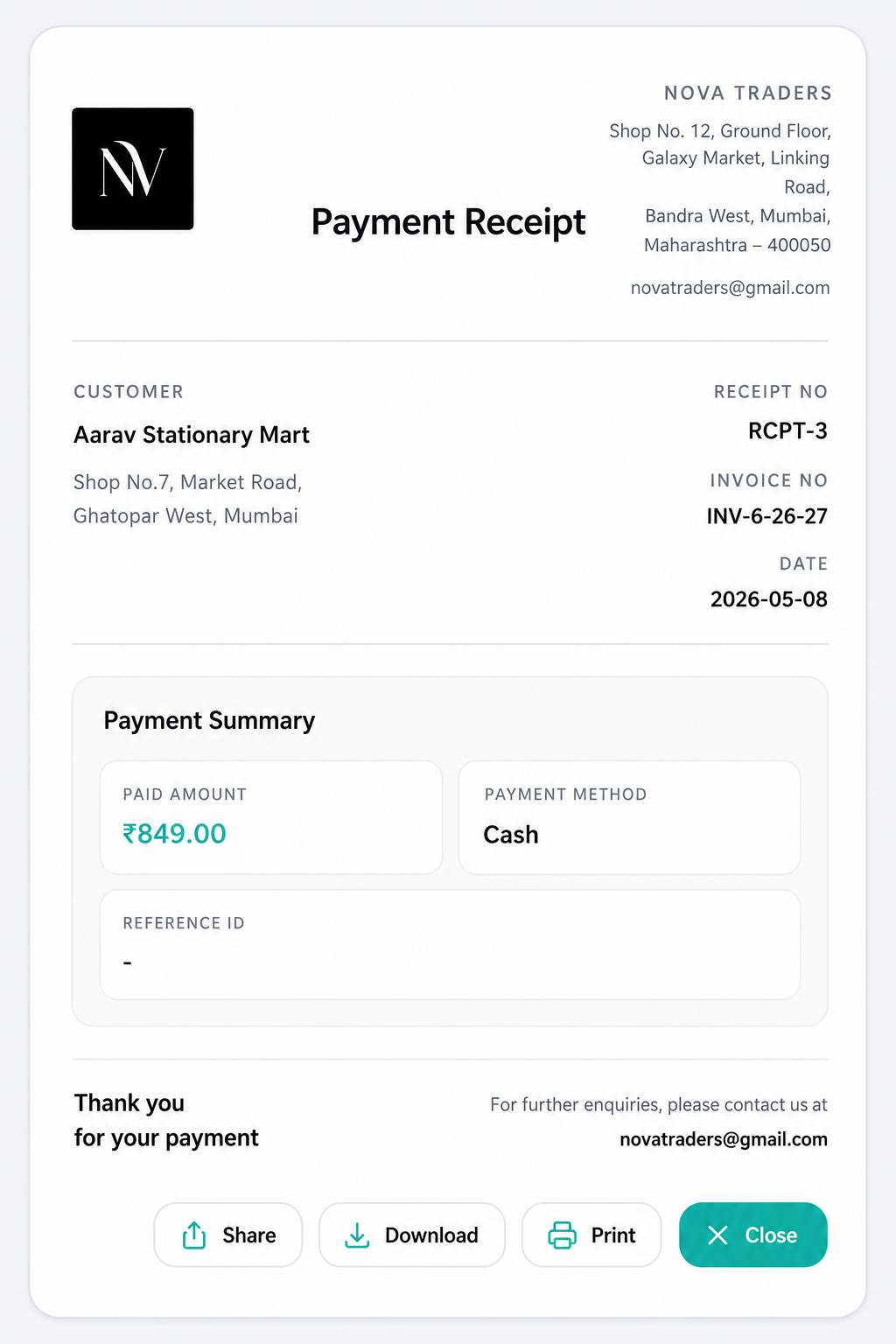
Payment receipts are automatically generated from recorded invoice payments. They provide proof of payment and can be viewed, downloaded, printed, or shared with customers.
When receipt number is created
When a payment is recorded, the system tries to reserve a receipt number using document sequence type:
payment_receiptIf sequence configuration exists, receipt numbers follow the business document settings pattern.
Receipt data
A payment receipt can include:
- Receipt number
- Invoice number
- Payment date
- Payment method
- Payment reference
- Paid amount
- Invoice total
- Balance
- Customer name/address
- Business name/logo/email/address
- Currency
- Items/summary from invoice data
Receipt actions
From invoice payment history, click View Receipt.
Available receipt actions:
- Share
- Download
- Close
Best practices
- Always record payment method and reference for non-cash payments.
- Keep business logo and address updated because they appear on receipts.
- Configure payment receipt numbering in document settings if you want a professional receipt sequence.
- Use receipt download/print for offline handover.