Weighing Scale
Weighing Scale is used to connect a compatible scale for weight-based billing.
What the feature does
- Reads item weight directly from a connected scale
- Supports weight-based products during billing
- Reduces manual entry errors for loose goods and produce
Prerequisites
- A supported scale must be connected and powered on
- The device must be able to communicate with the scale
- Weight-based products should be configured in the catalog
Screen: Weighing Scale
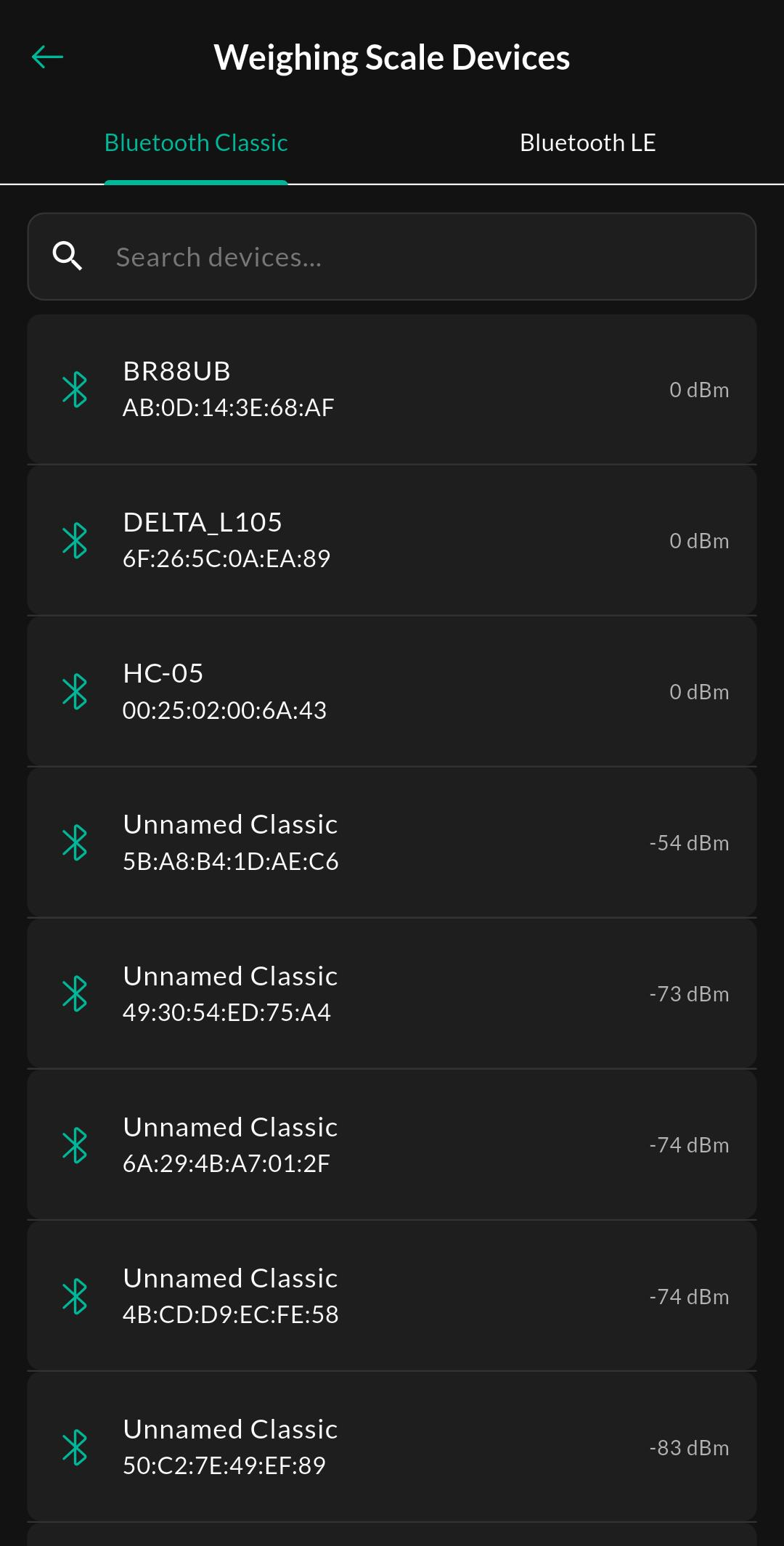
Purpose
Pair and manage a compatible digital weighing scale so that weight-based product prices are automatically calculated and applied during billing.
How to use
- Open Menu > Devices > Weighing Scale.
- Pair the scale.
- Place a sample item on the scale to confirm the reading.
- Start Billing and add a weight-based product.
- Verify that the billed quantity follows the scale reading.
Related settings
Troubleshooting
Weight is not captured
Recheck the connection, ensure the scale is calibrated, and confirm the product is marked for weight-based billing.