Templates
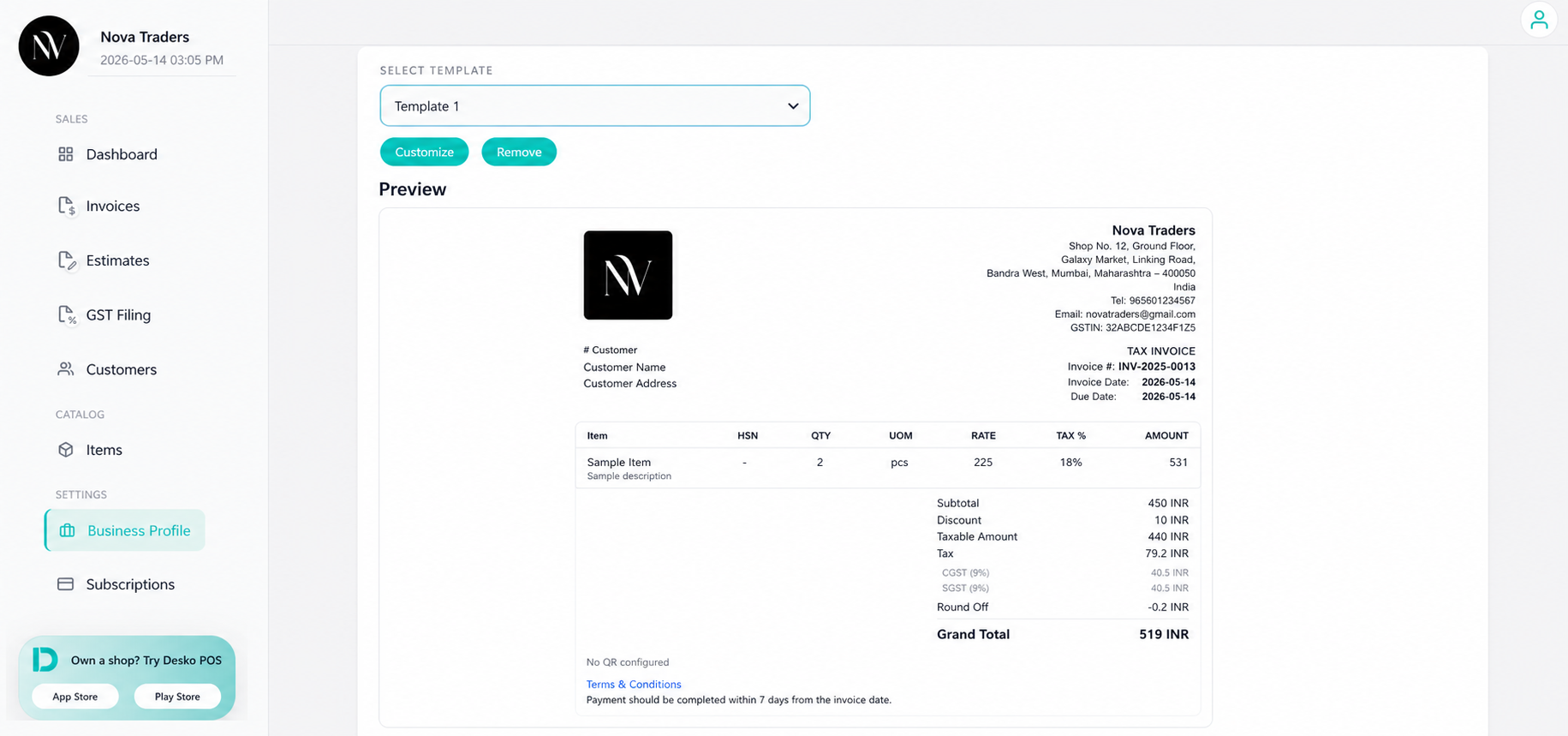
The Templates page allows you to customize the design and layout of your invoice and estimate PDFs. Most branding details, including your business logo and company information, are automatically pulled from your Business Profile.
Branding sources
PDF templates use:
- Business name
- Logo
- Business address
- Phone
- Country
- Tax number
- Payment instructions
- Payment QR/link where supported
Built-in templates
Available template options:
- Template 1
- Template 2
- Template 3
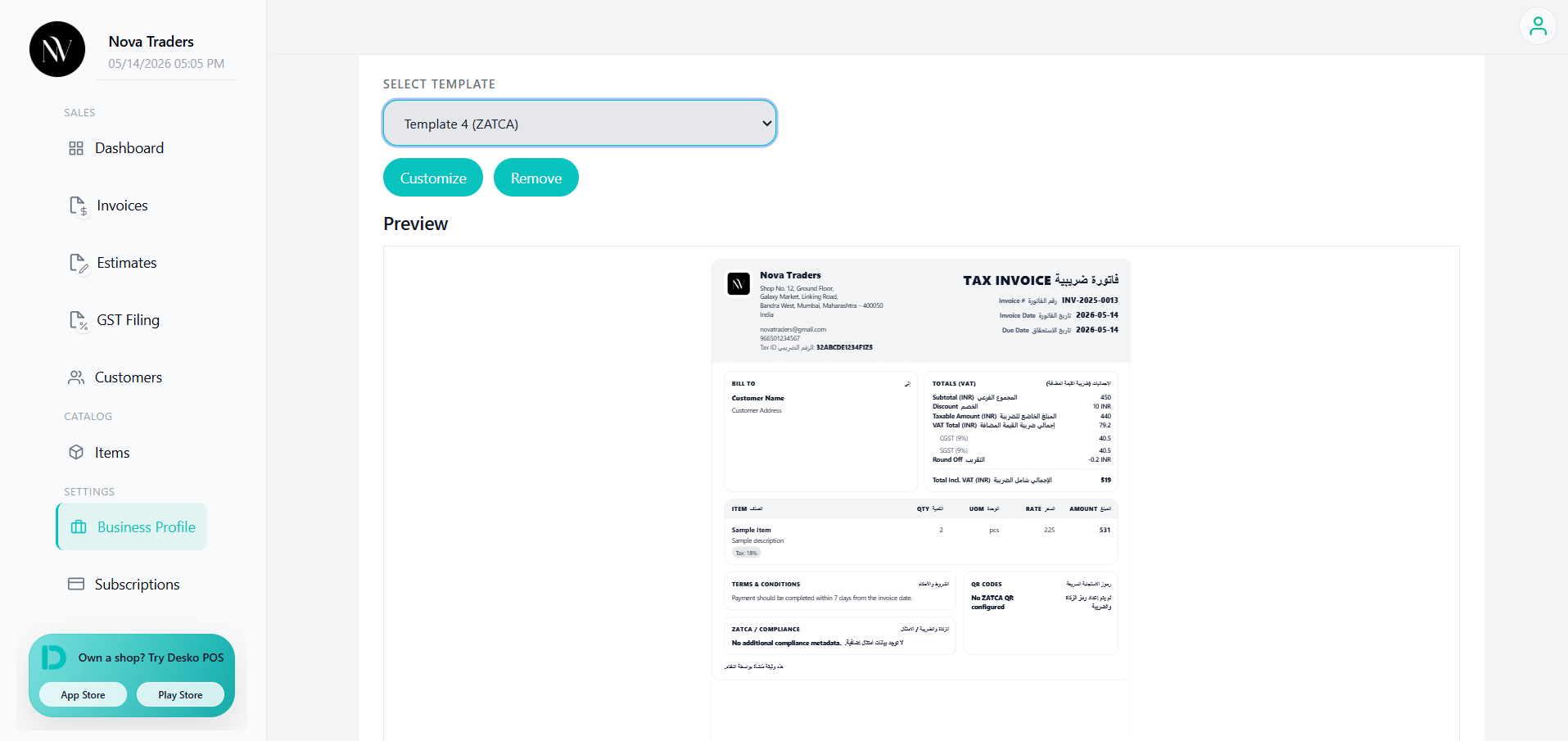
- Template 4 (ZATCA)
- Template 5
Template 4 is designed for ZATCA-style display.
Default template
Set the default template in Business Profile. New documents use this template unless changed in preview.
Per-document template override
The preview page can apply a template override for a specific invoice or estimate. The override is stored separately so the document can use a different template from the business default.
Custom templates
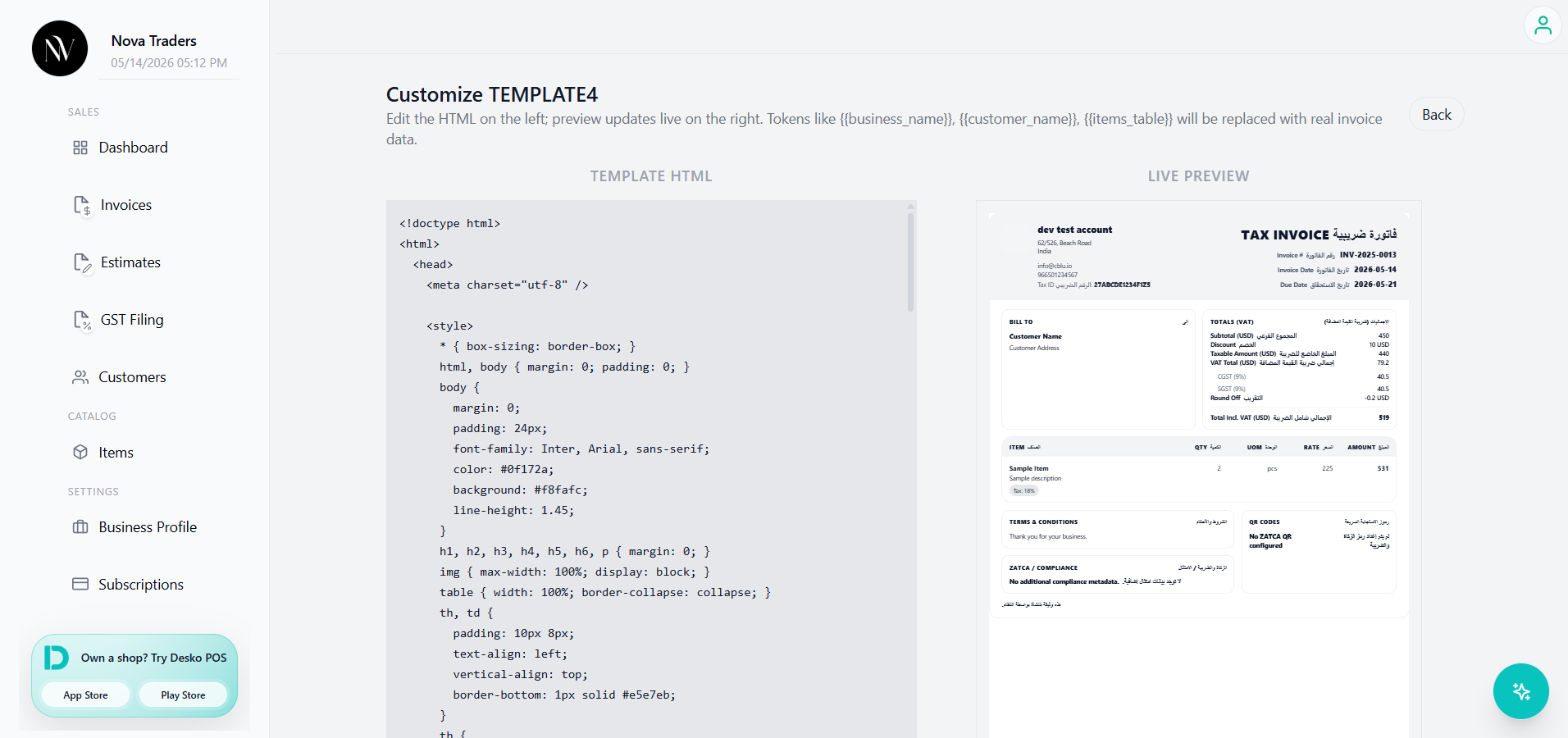
The app supports custom templates stored per business.
Custom templates are based on a base template and stored as HTML.
Relevant table:
custom_templatesThe preview and PDF generation flow can render customized templates when available.
Watch the demo video below to learn the template customization process
Best practices
- Use a clean logo with transparent background.
- Keep notes and terms concise so they fit in the chosen design.
- Preview after switching templates.
- For Saudi businesses using ZATCA, confirm QR and ZATCA status in preview.