Customer Payments
Customer Payments is used to collect customer credit payments where credit selling is enabled.
What the feature does
- Collects partial or full credit repayments
- Updates the customer outstanding balance
- Helps the cashier close credit sales cleanly
Screen: Customer Payments
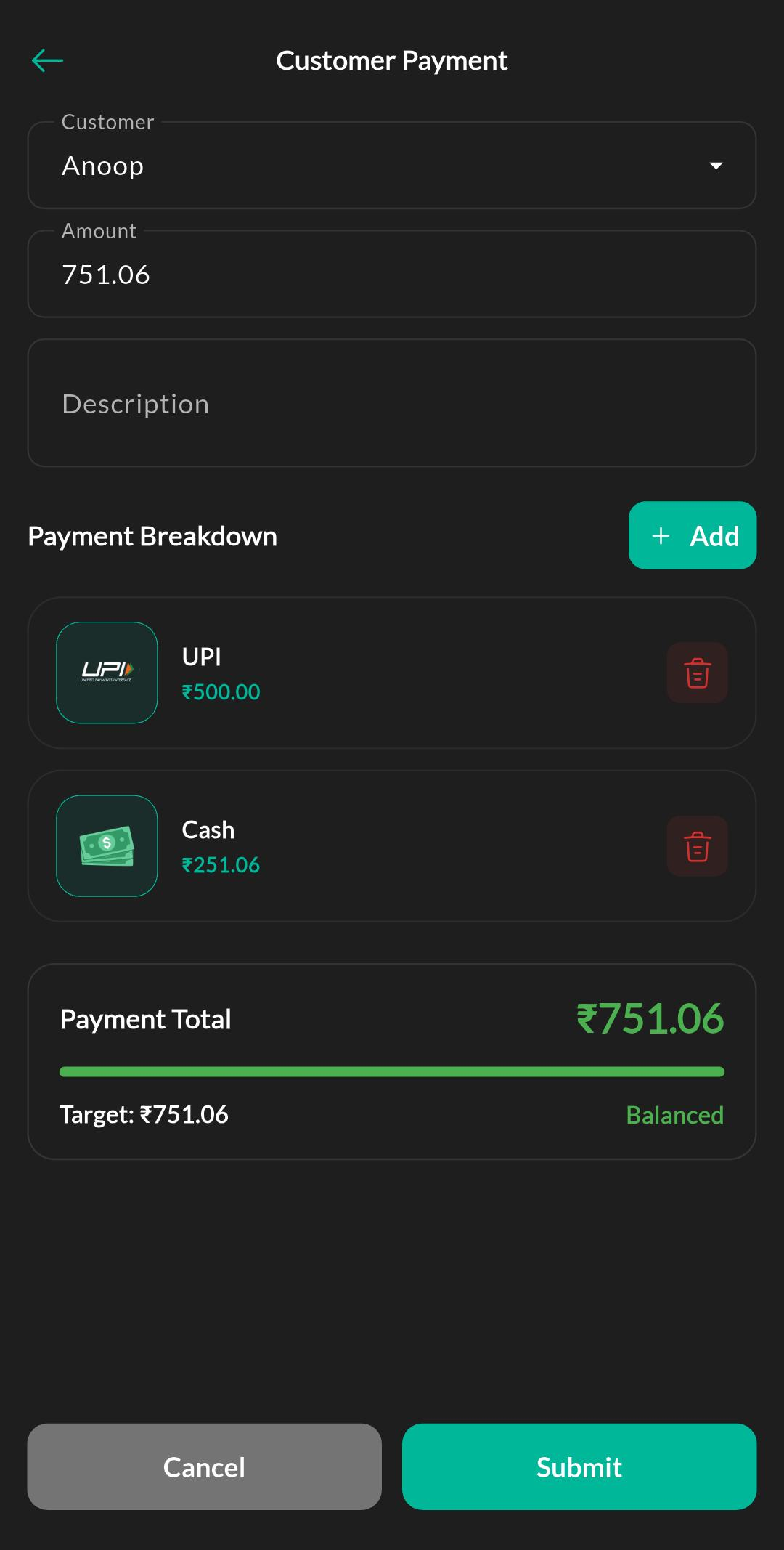
Purpose
Record customer credit repayments and update outstanding balances against the correct customer account.
How to use
- Open Menu > Accounting > Customer Payments.
- Search and select the customer.
- Enter the received amount.
- Confirm the payment method.
- Save the payment and review the updated balance.
Related settings
Troubleshooting
Customer not found
Make sure the customer exists in the customer list and that credit features are enabled for the store.