User & Roles
User & Roles is used to manage user accounts, roles, and permission assignments.
Video Tutorial
Video: Managing Users and Roles
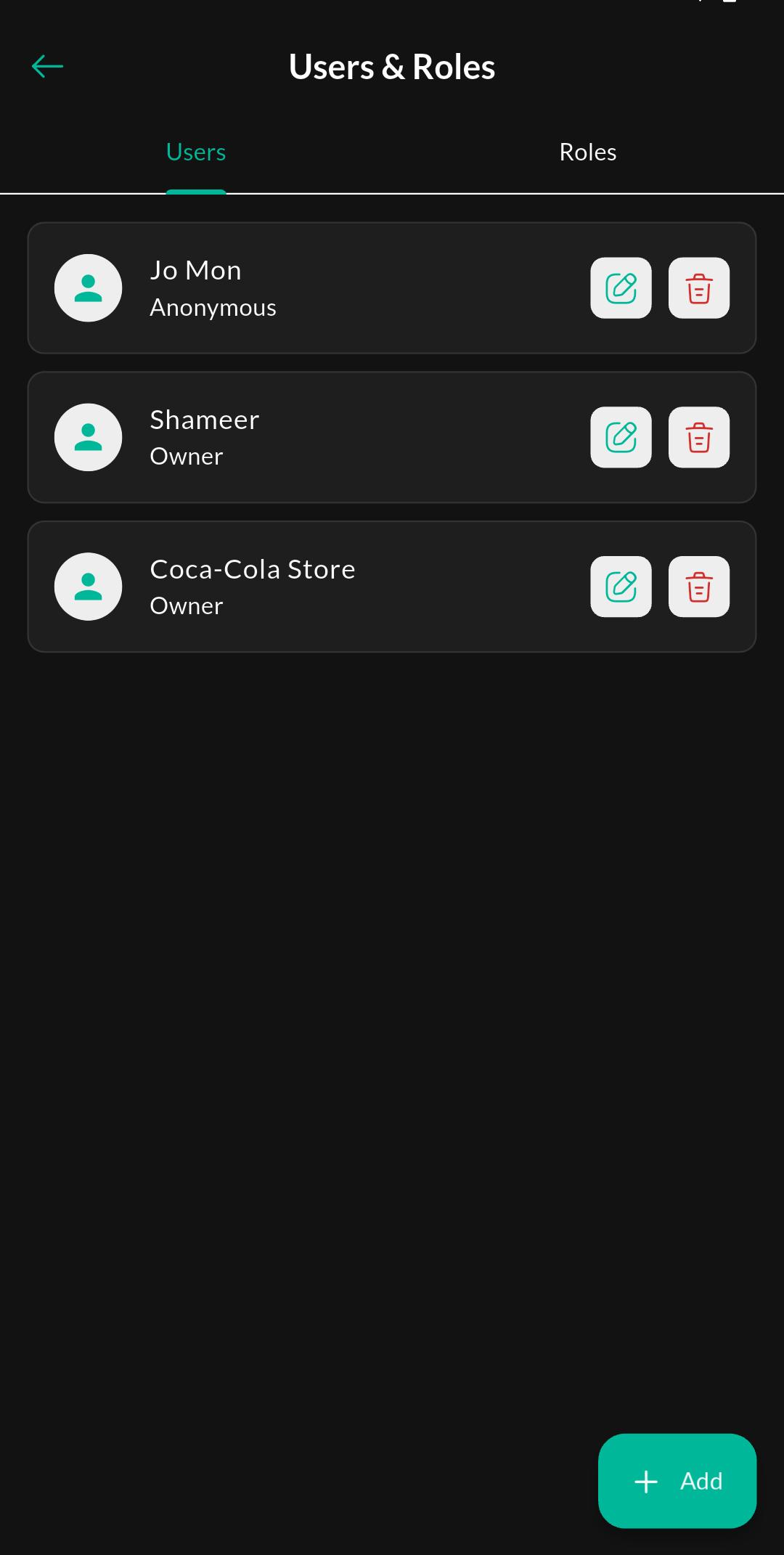
Screen: Users
Purpose
View all user accounts, check their status, and open a user for editing or permission-related actions.
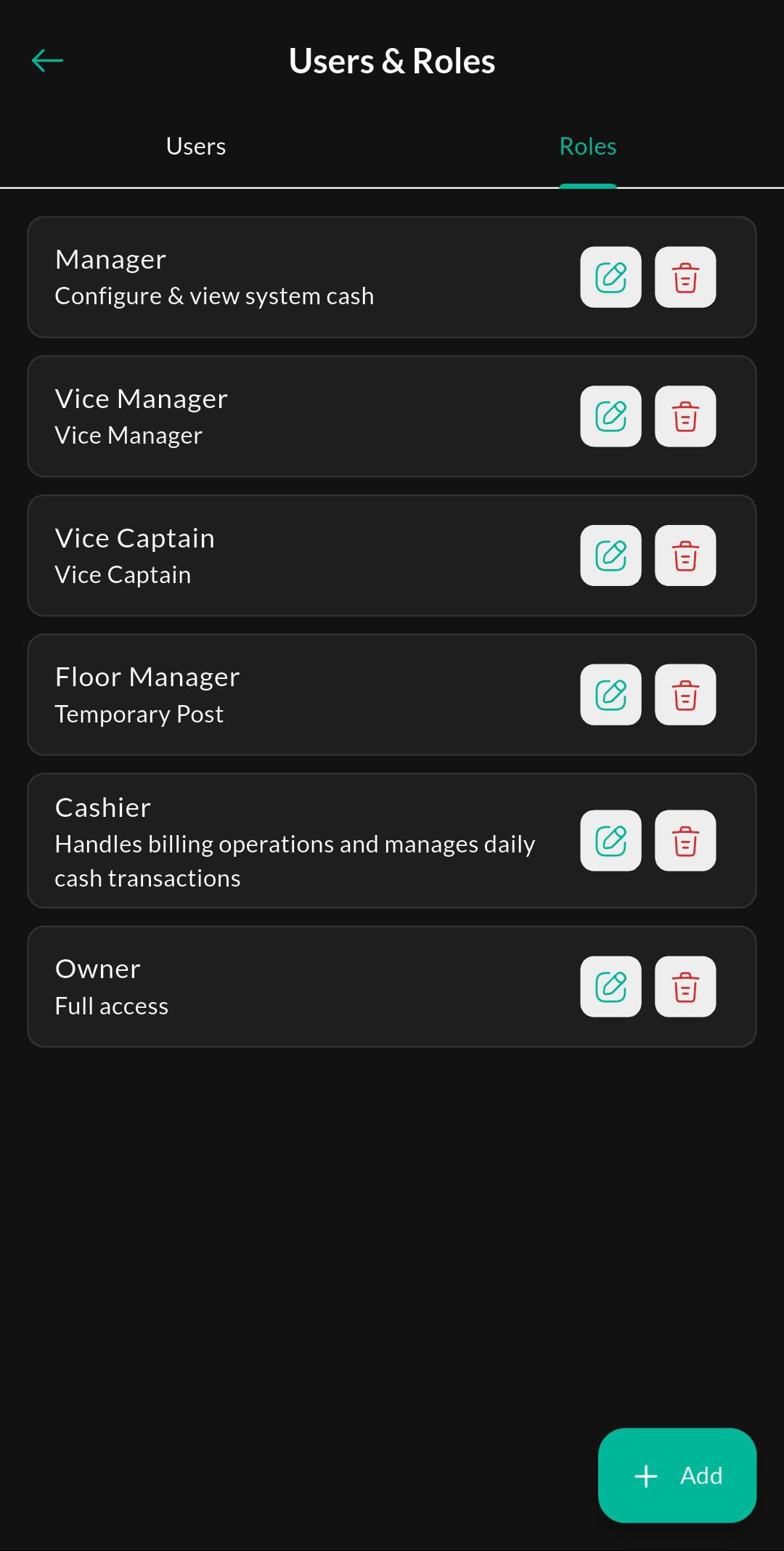
Screen: Roles
Purpose
Review the available roles and manage permission groups assigned to different users.
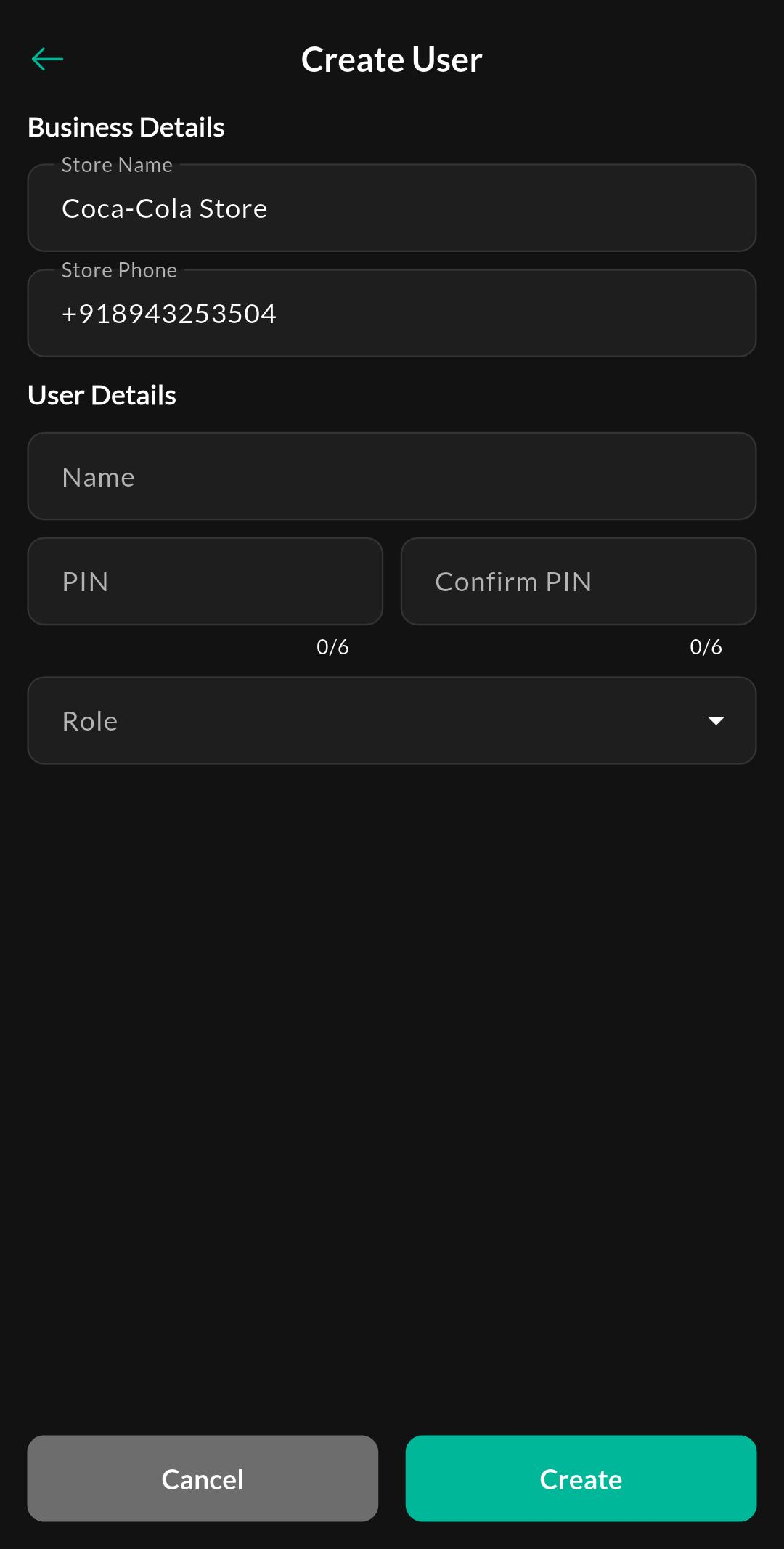
Screen: Create User
Purpose
Add a new user account and assign login details, role access, and other required information.
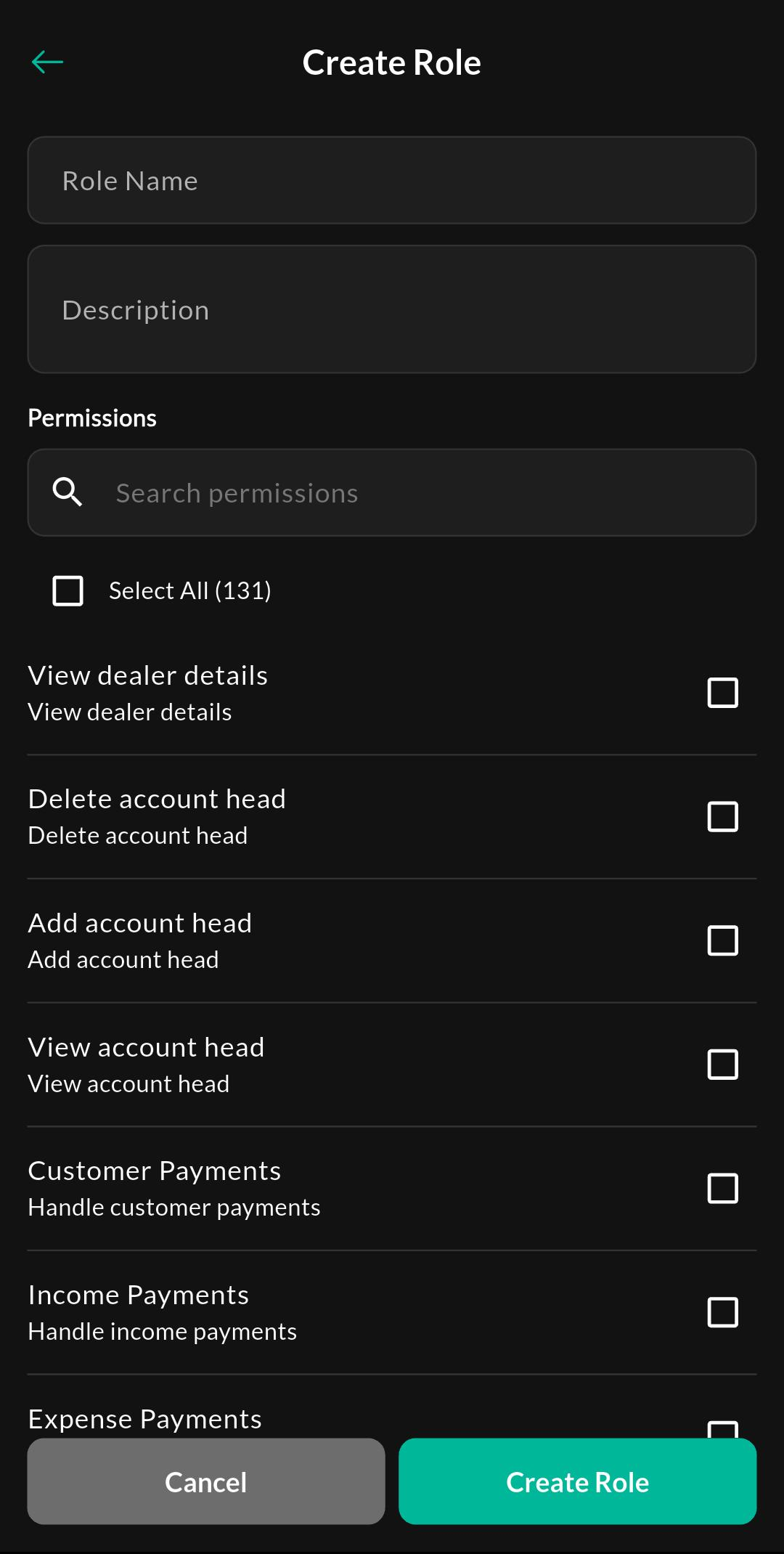
Screen: Create Role
Purpose
Create a new role and define the permission set that controls what users with that role can access.
Notes
Permissions matter
Many menus and actions are visible only if your role has the relevant permission enabled.