Feedback
Feedback lets you share product feedback, suggestions, or issue details directly from the POS app.
What the feature does
- Captures user feedback from inside the app
- Helps the Desko team understand UI or workflow issues
- Provides a direct path for suggestions and improvement requests
Screen: Feedback
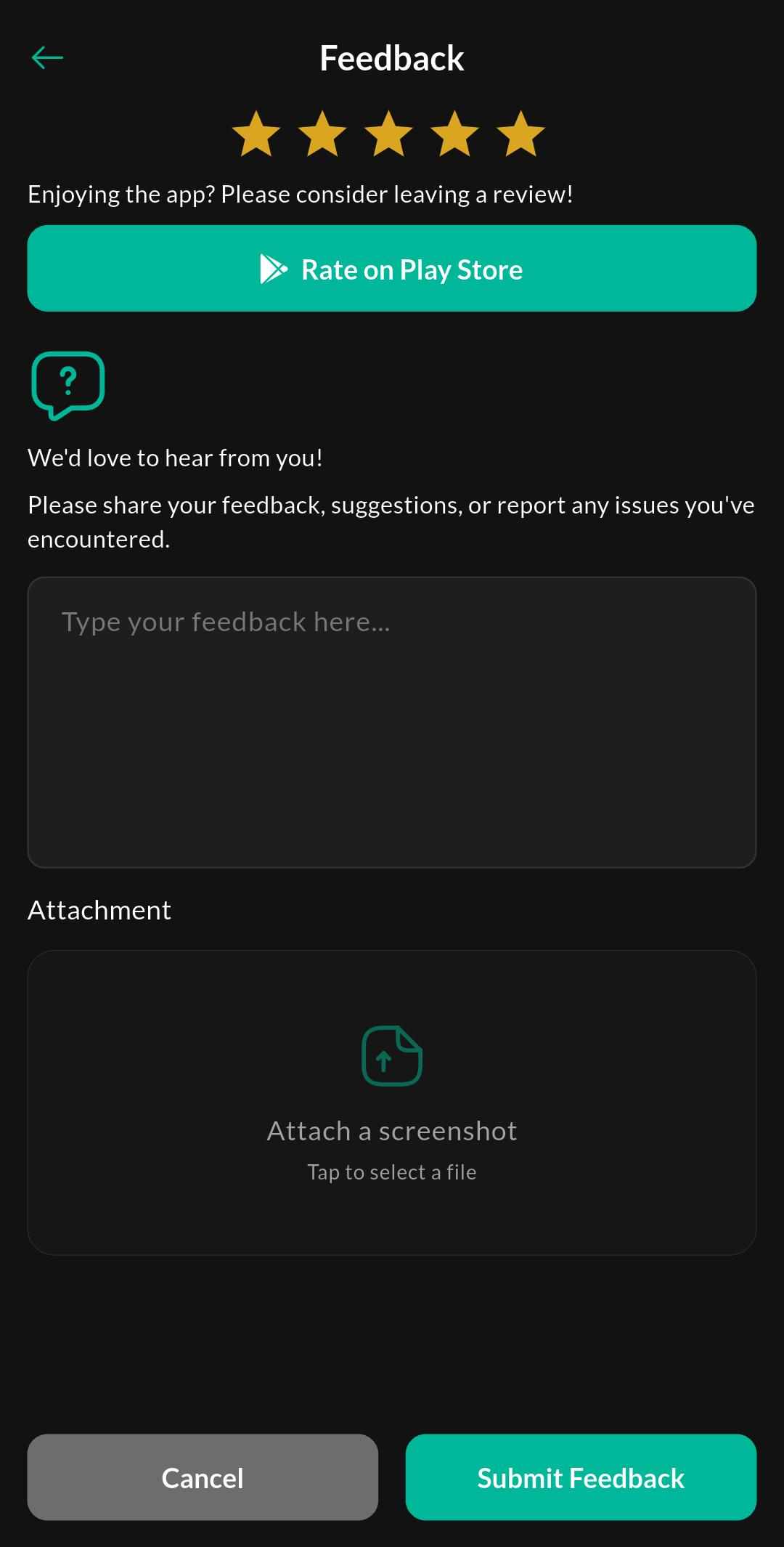
Purpose
Submit product feedback, suggestions, or issue details directly from the POS app.
How to use
- Open Help & Support > Feedback.
- Describe the issue or suggestion clearly.
- Add any context that would help reproduce the problem.
- Submit the feedback.
Related settings
Troubleshooting
No response after submitting
Confirm the device is online and that the feedback was sent successfully before closing the app.