Screen Printer
Screen Printer is used to manage screen-based order output routing, often used for kitchen display workflows.
What the feature does
- Sends order details to a display endpoint instead of a physical printer
- Helps kitchen teams see incoming orders in real time
- Works best when paired with restaurant workflows and control copy rules
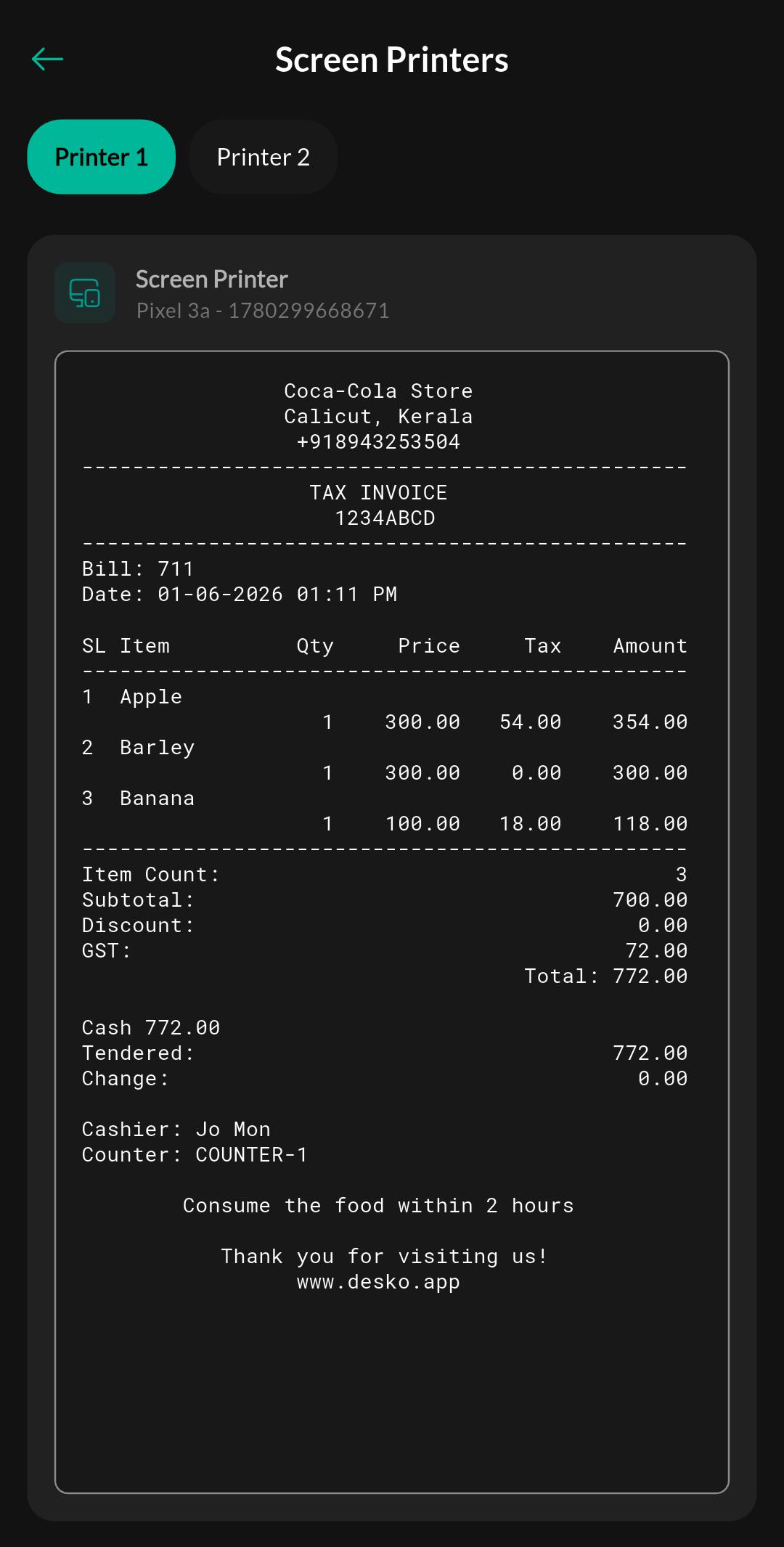
Screen: Screen Printer
Purpose
Configure and manage screen-based output routing so that order details are sent to the correct kitchen or display screen instead of a physical printer.
How to use
- Open the screen printer settings page.
- Pair or select the display target.
- Confirm the routing rules for the kitchen or restaurant workflow.
- Send a sample order and verify it appears on the display.
Related settings
Troubleshooting
Orders do not appear
Check that the display target is online and that the active routing rules match the order type or service mode.