Payment Methods
Payment Methods controls which payment options appear in Billing checkout and how each method behaves.
What the feature does
- Enables or disables payment options for checkout
- Controls whether a payment method can be used for sales, refunds, or split payments
- Helps keep accounting and checkout options aligned
Screen: Payment Methods
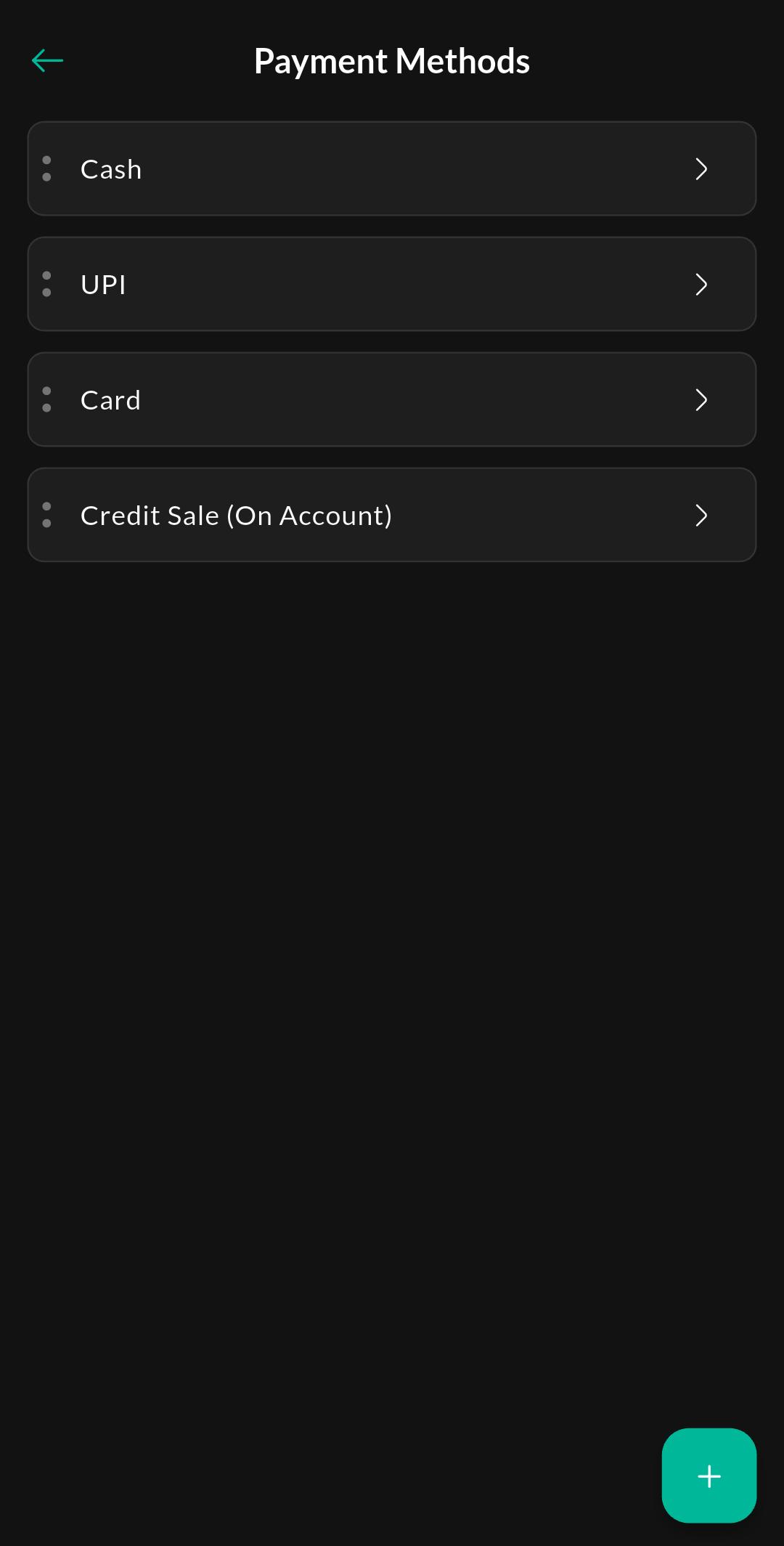
Purpose
View the available payment methods and control which options are enabled during checkout.
Screen: Payment Method Details
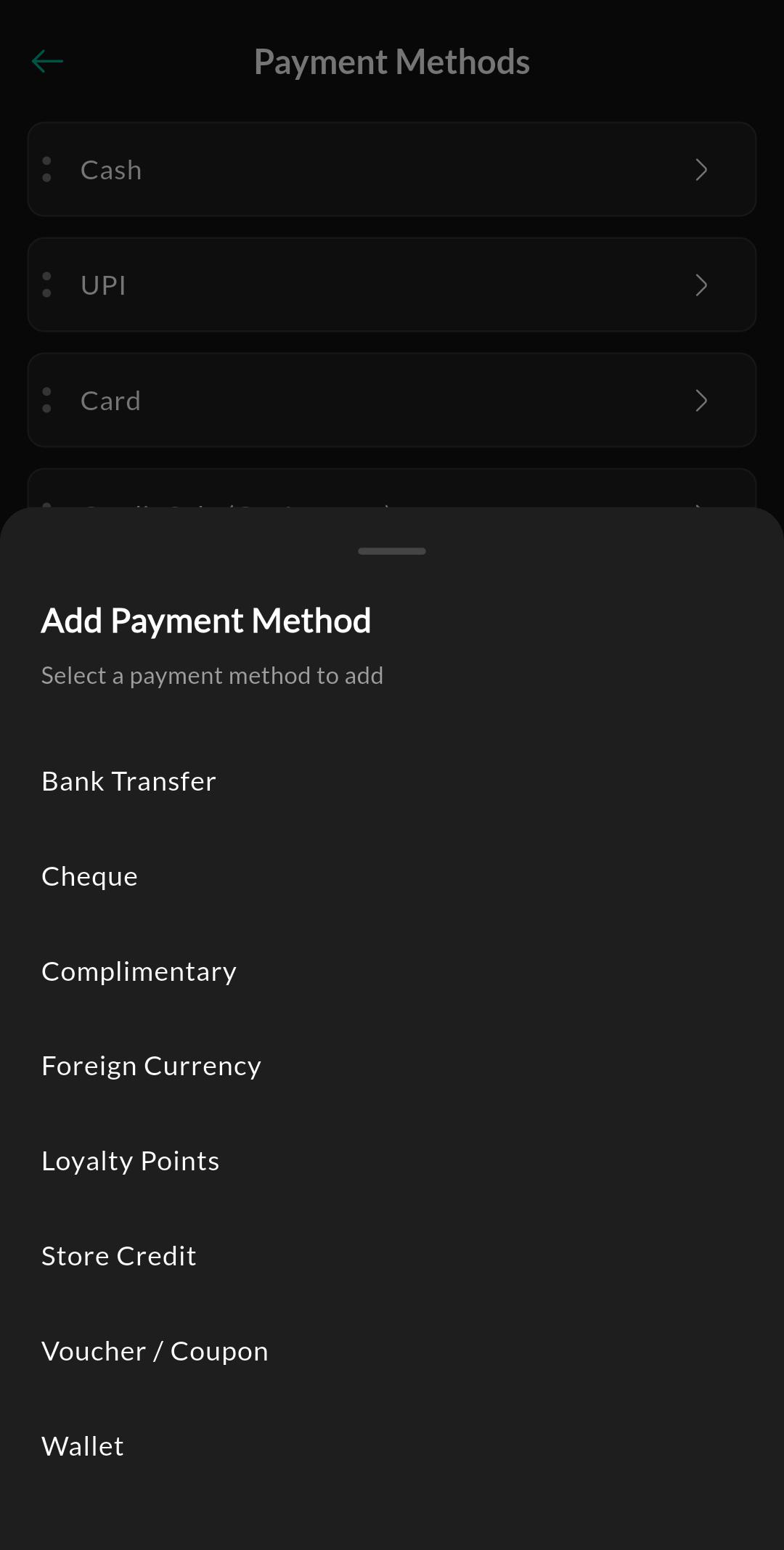
Purpose
Configure behavior for an individual payment method, including sales, refunds, split payments, and accounting visibility.
Screen: Add Payment Method
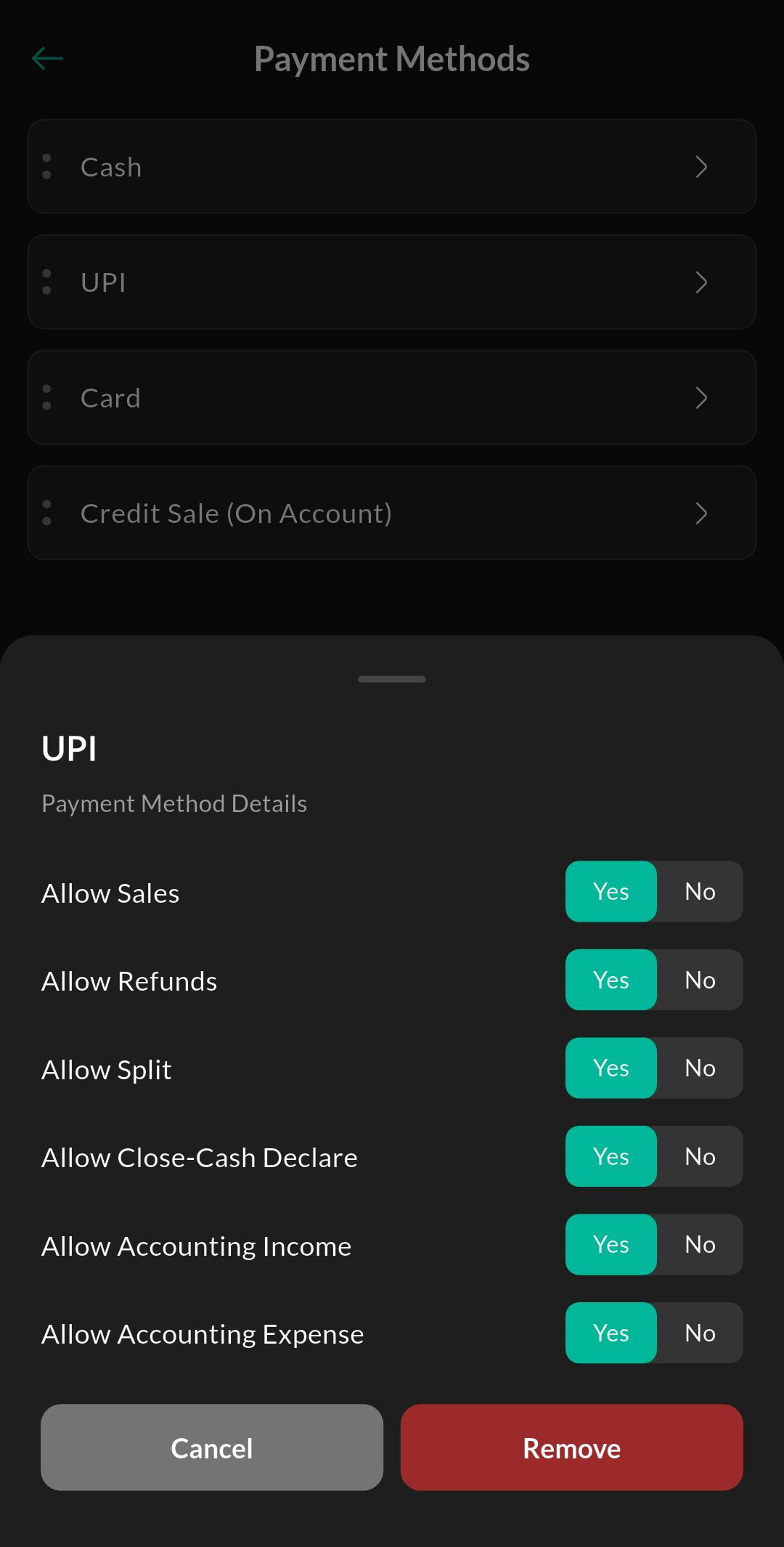
Purpose
Quickly add an available payment method to the active list.
Related settings
Troubleshooting
Payment option missing
Confirm the method is enabled in this list and that your role is allowed to use it during checkout.