Expense
Expense is used to record business expenses for payments that are not customer sales, such as supplies, vendor charges, or operating costs.
What the feature does
- Records business spending under the correct account head
- Supports expense tracking by payment method
- Helps keep accounting entries separate from normal sales
Prerequisites
- The Accounting add-on must be active
- Your role must allow accounting access
- The account head and payment method should already exist if required
Screen: Expense Payments
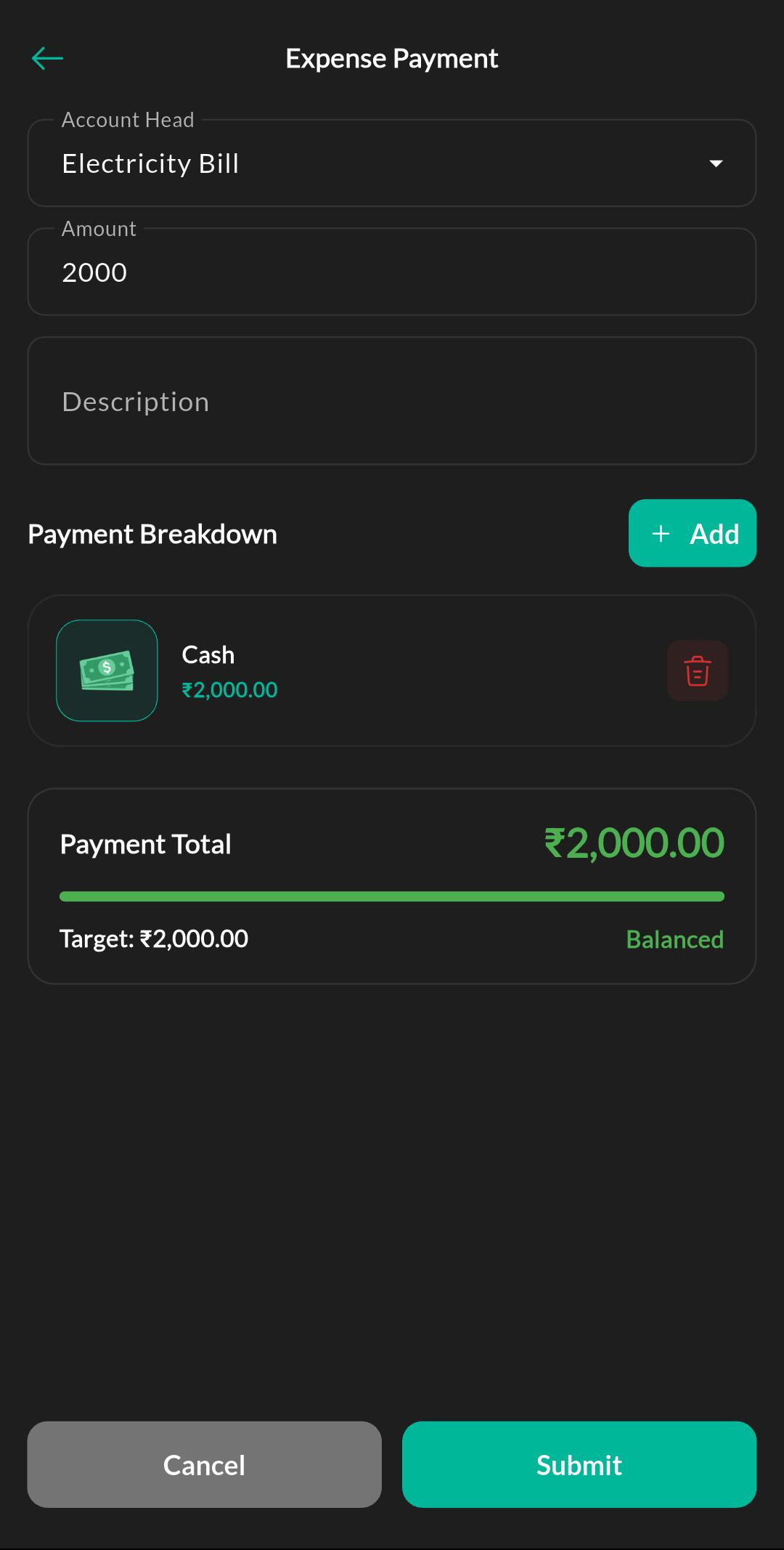
Purpose
Create and review expense entries so business spending is recorded under the correct account head and payment method.
How to use
- Open Menu > Accounting > Expense.
- Choose the account head.
- Enter the expense amount and payment details.
- Add a note or reference if needed.
- Save the entry.
Related settings
Troubleshooting
Expense screen missing
Confirm the Accounting add-on is active and your role has the required permission.