Print Templates
Print Templates controls receipt and invoice print layouts, including header content, footer content, and block ordering.
What the feature does
- Defines the layout used on printed receipts
- Lets you manage reusable print blocks
- Supports different template styles for different workflows
Screen: Print Templates
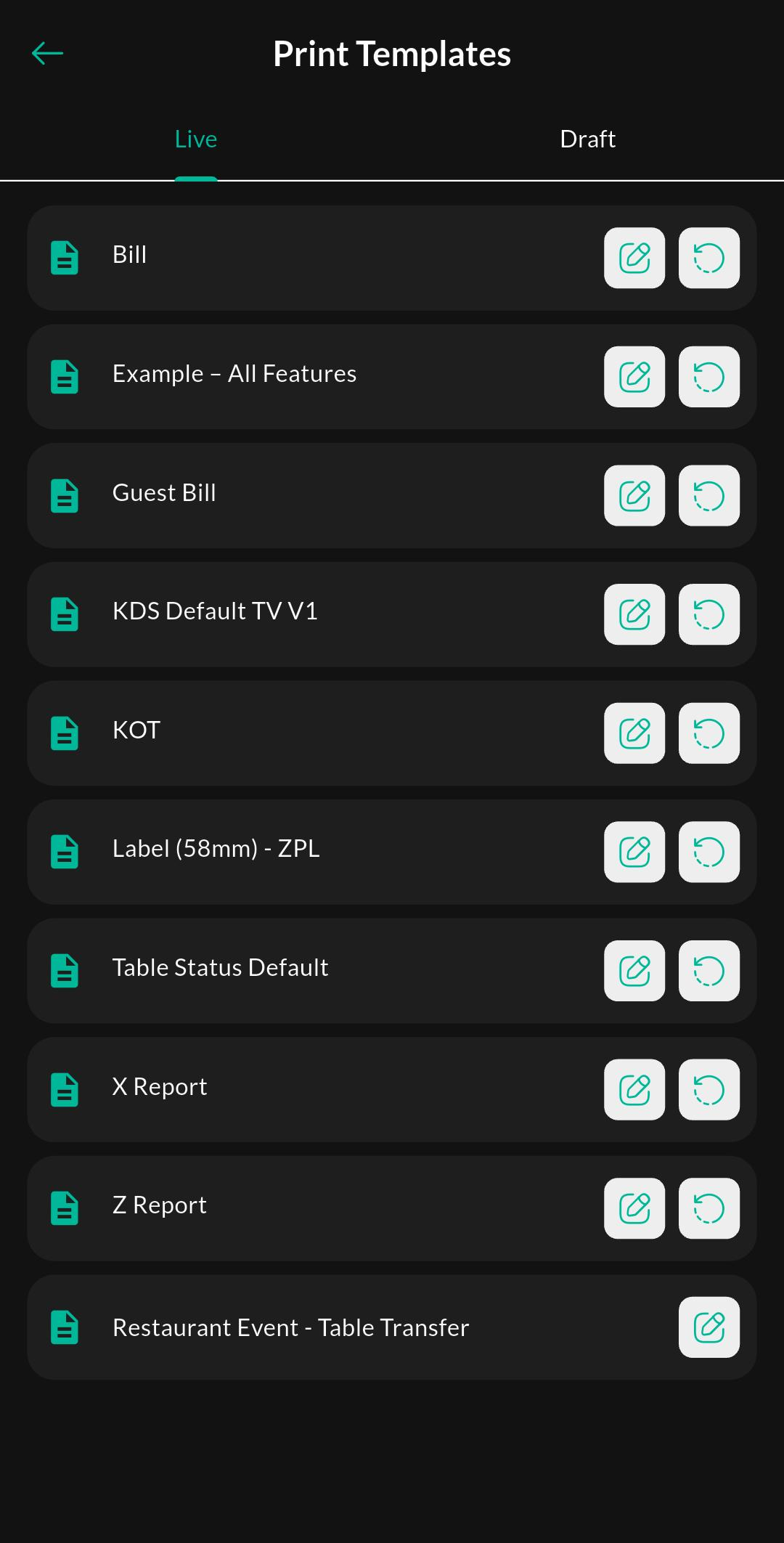
Purpose
Review existing print templates and choose which receipt or print layouts are available for use.
Screen: Create / Edit Print Template
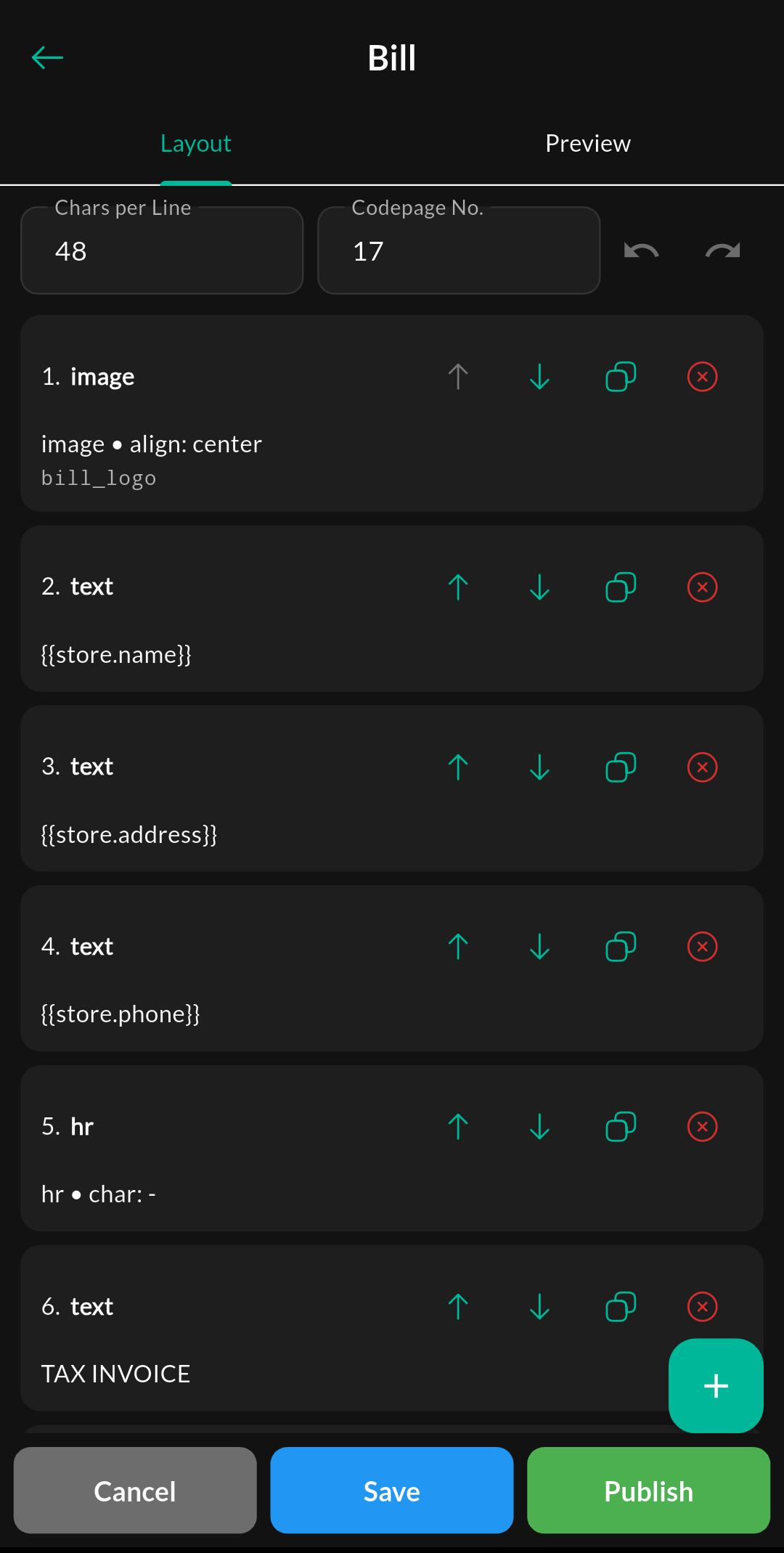
Purpose
Build or update a print template layout, including the content and arrangement shown on printed output.
Screen: Print Template Blocks
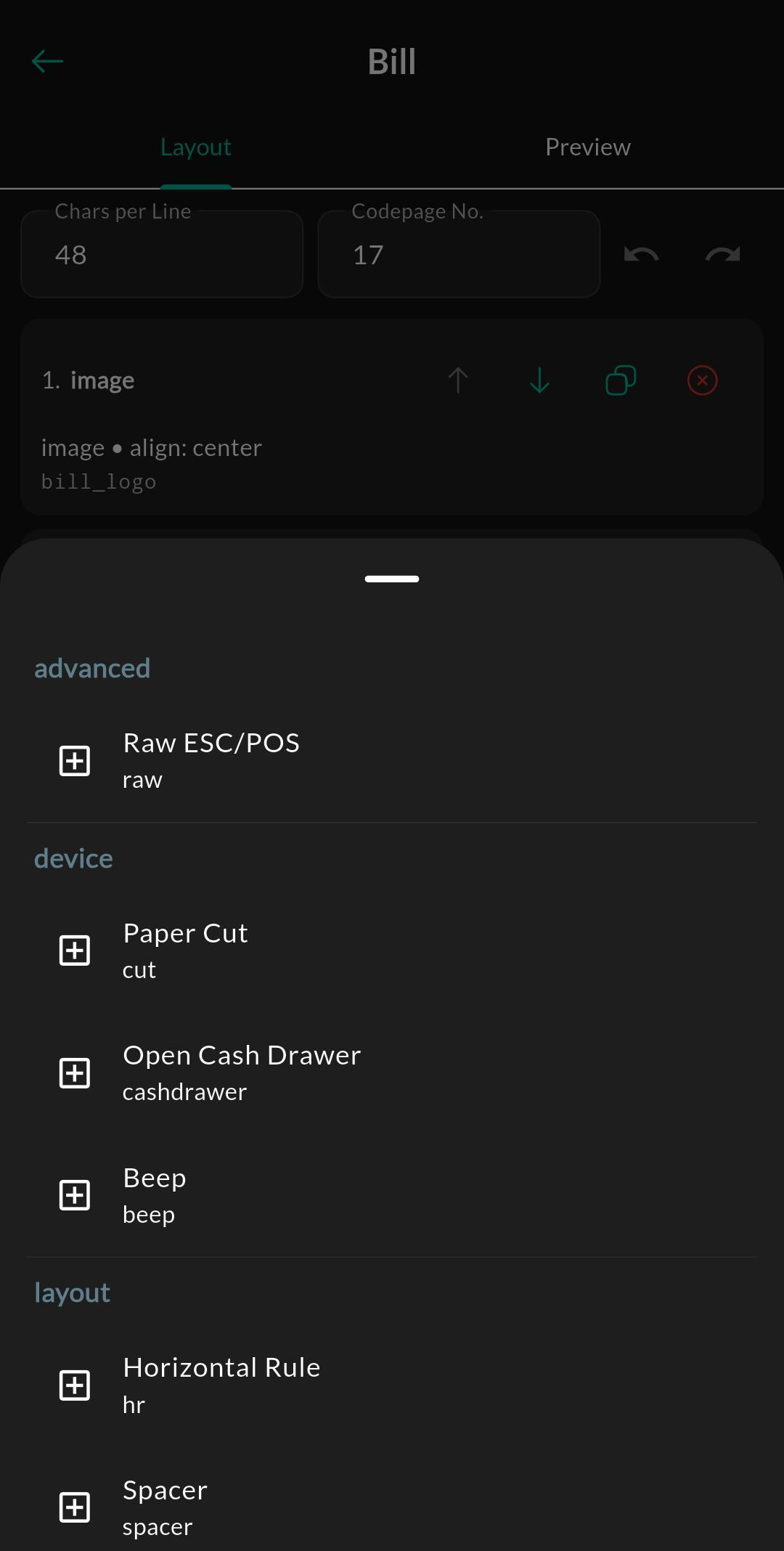
Purpose
Browse the available block types that can be inserted into a template layout.
Related settings
Troubleshooting
Layout does not match preview
Check paper size, printer margins, and whether the selected template is the one assigned to the printer workflow.