Customers
Customers lets you maintain a customer list and attach customers to bills for bill history and (where enabled) credit workflows.
Video Tutorial
Video: Customer Management
Screen: Customers List
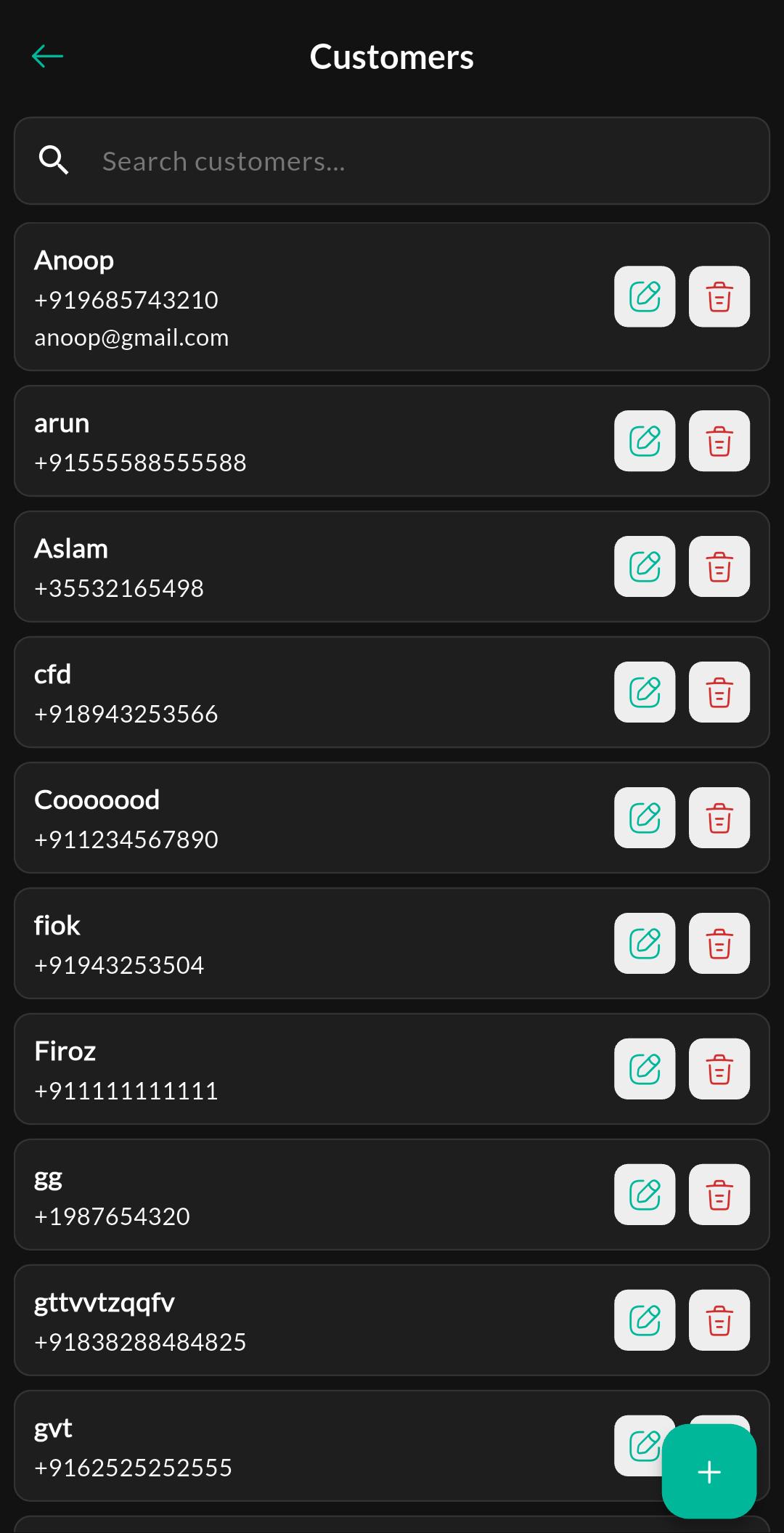
Purpose
Search customers and open a customer profile/history.
Screen: Create / Edit Customer
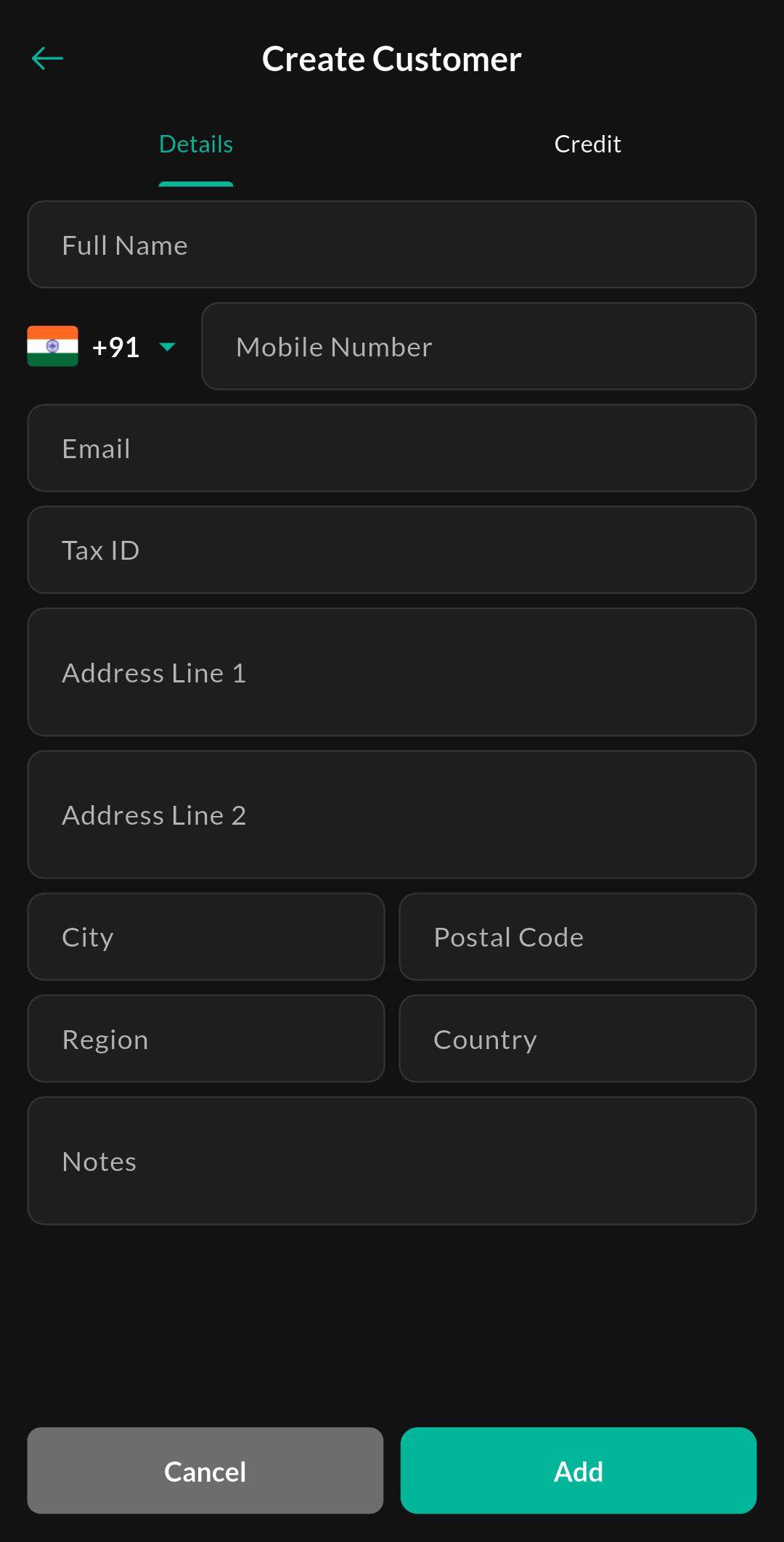
Purpose
Add a new customer or update existing details.
Customer profile tabs
Customers typically includes a customer profile/details view with multiple tabs.
Tab: Bill History
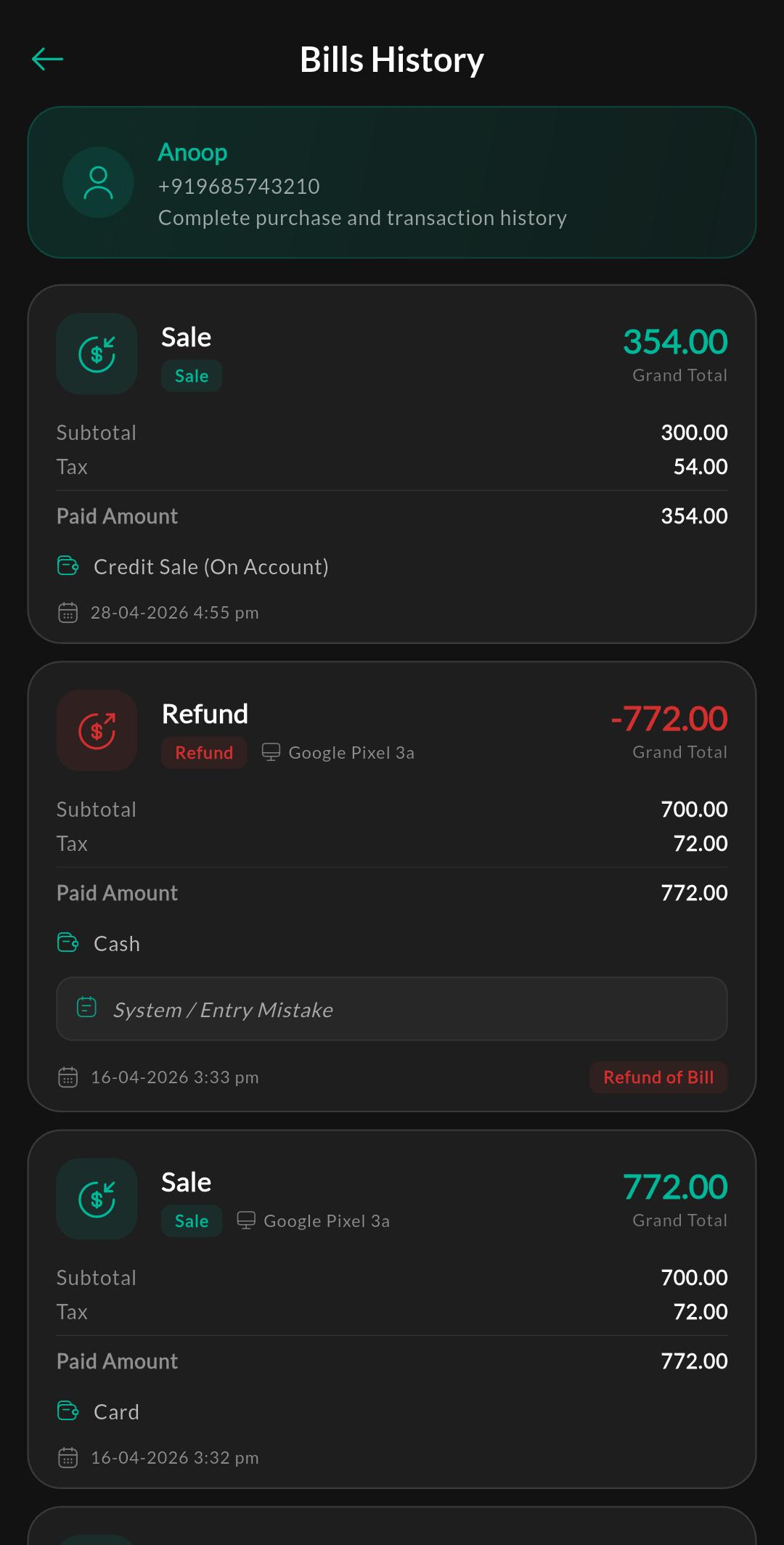
Purpose
View a history of all bills and transactions completed by the customer.
Tab: Loyalty Program
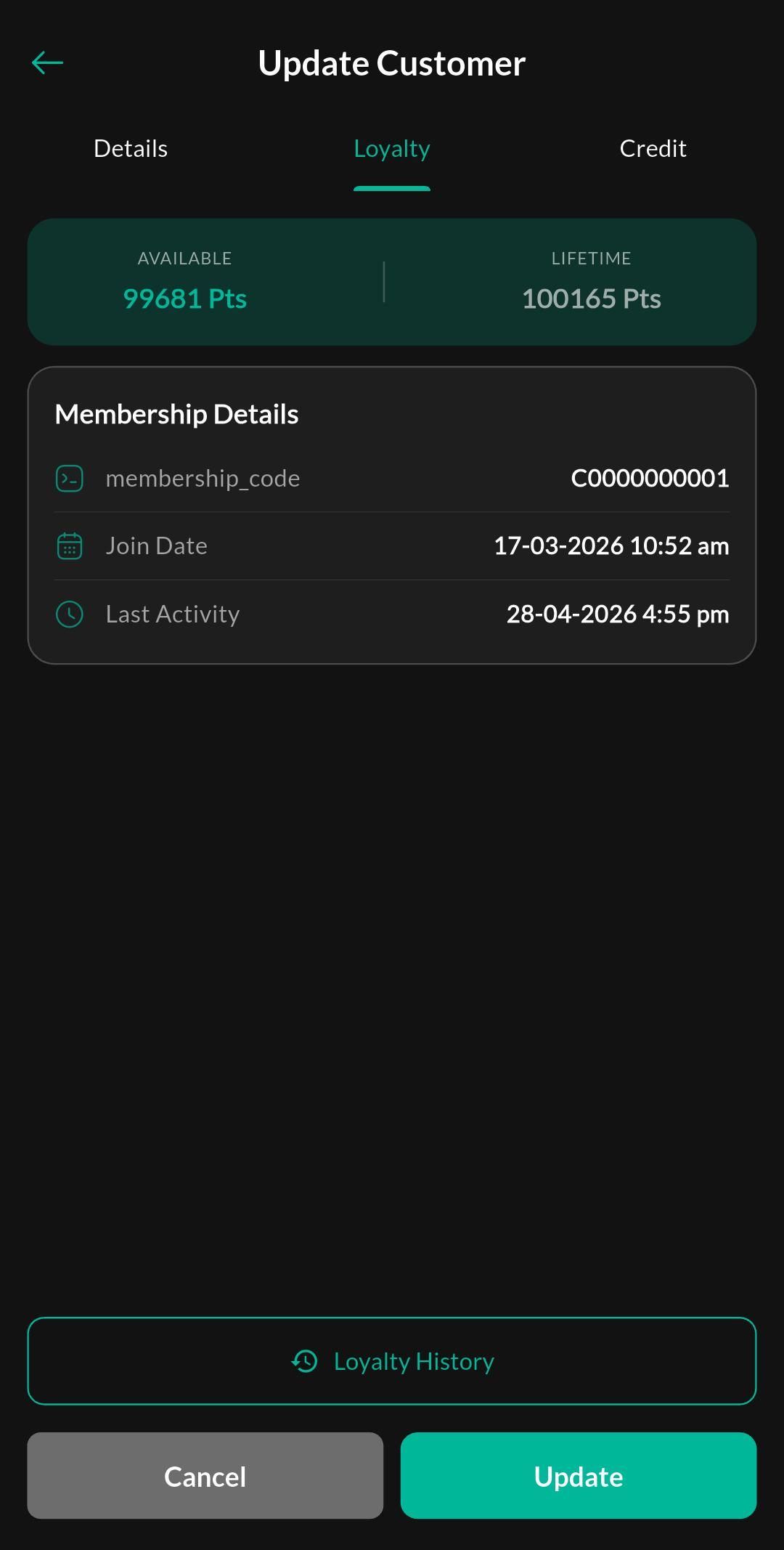
Purpose
View the customer’s current loyalty points, tier details, and manage loyalty enrollment.
Tab: Loyalty History
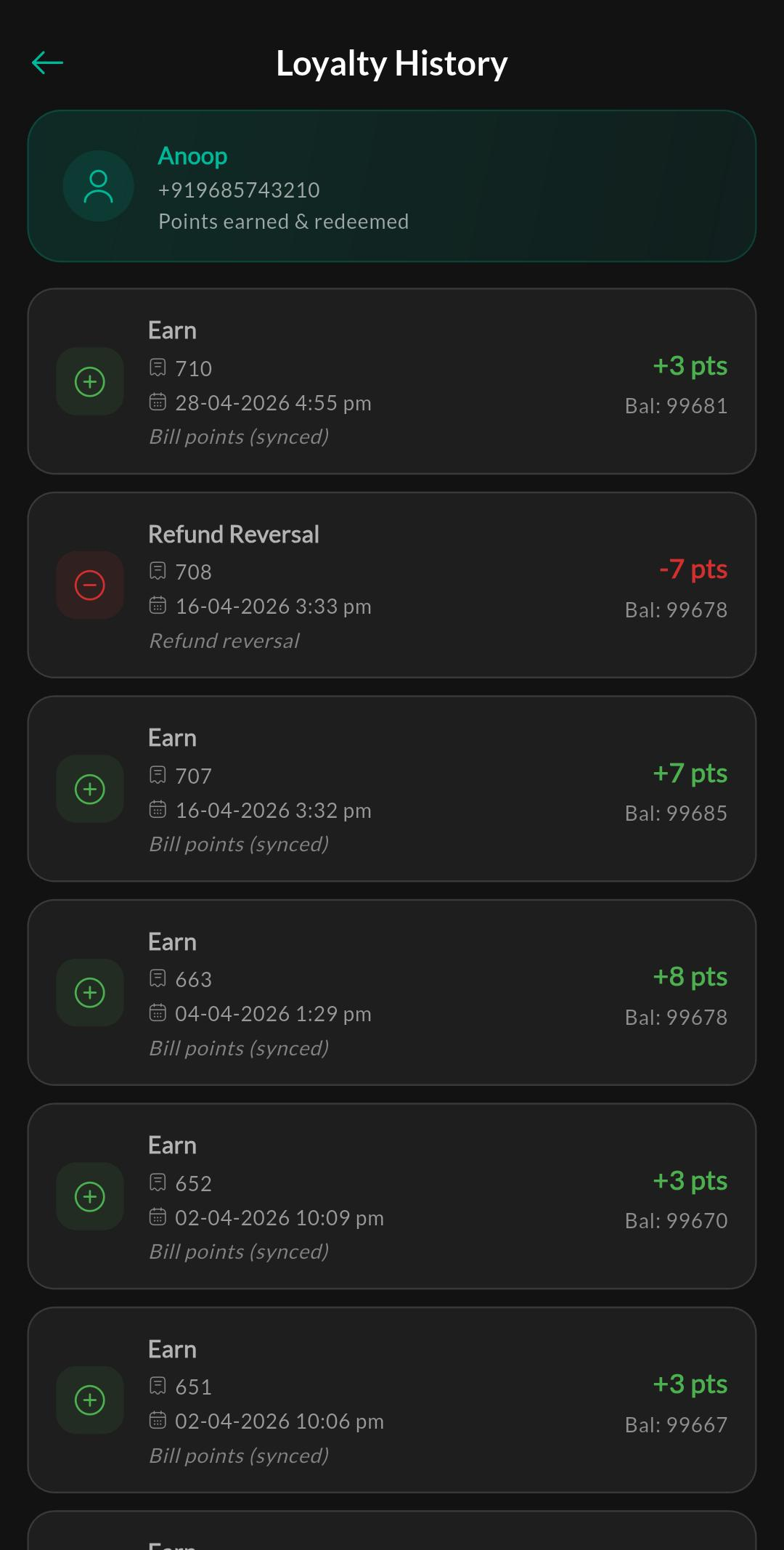
Purpose
Track the chronological details of loyalty points earned and redeemed by the customer.
Tab: Credit Details
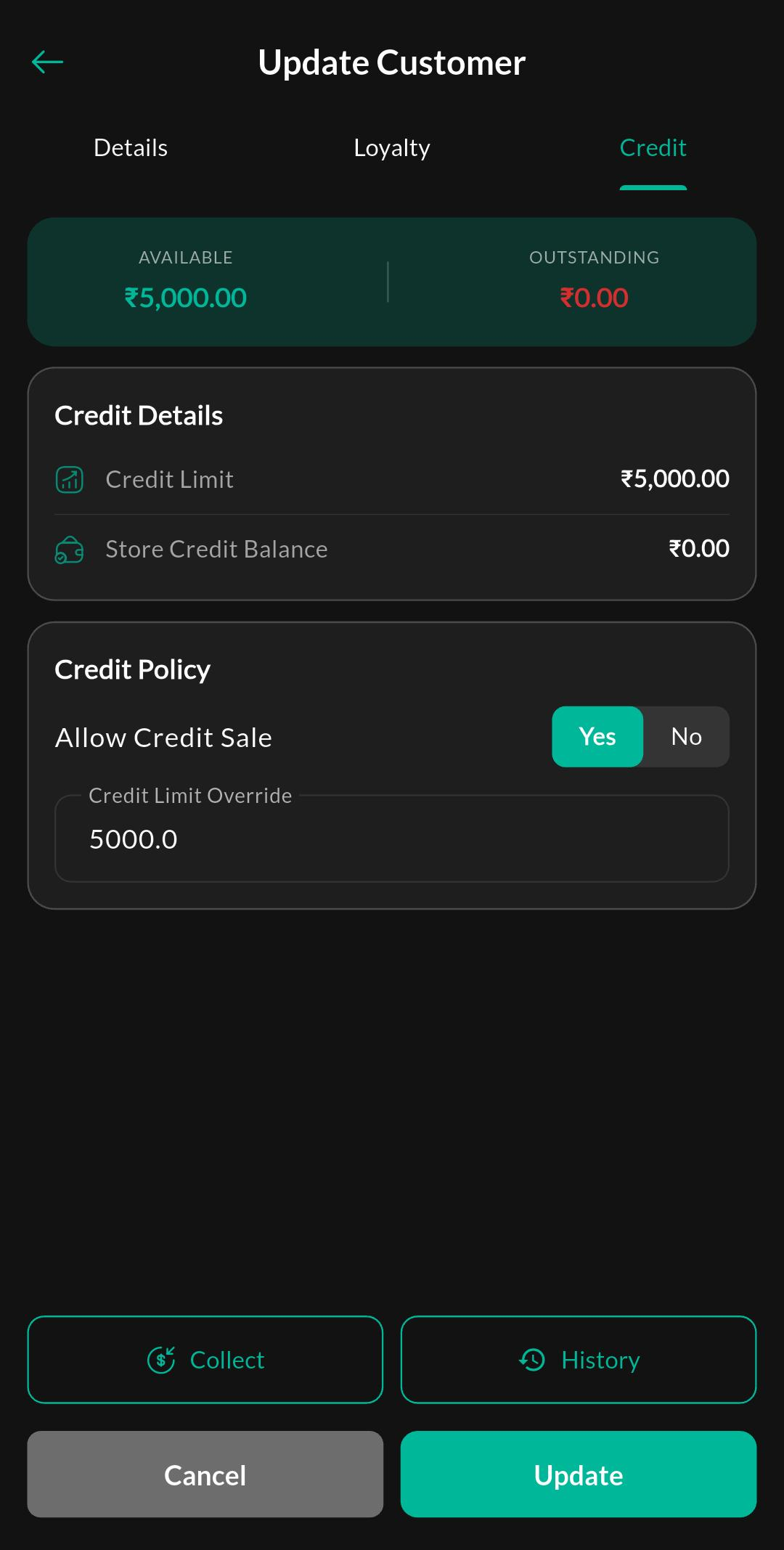
Purpose
Monitor the customer’s current outstanding credit balance, credit limit, and available credit limit.
Tab: Credit History
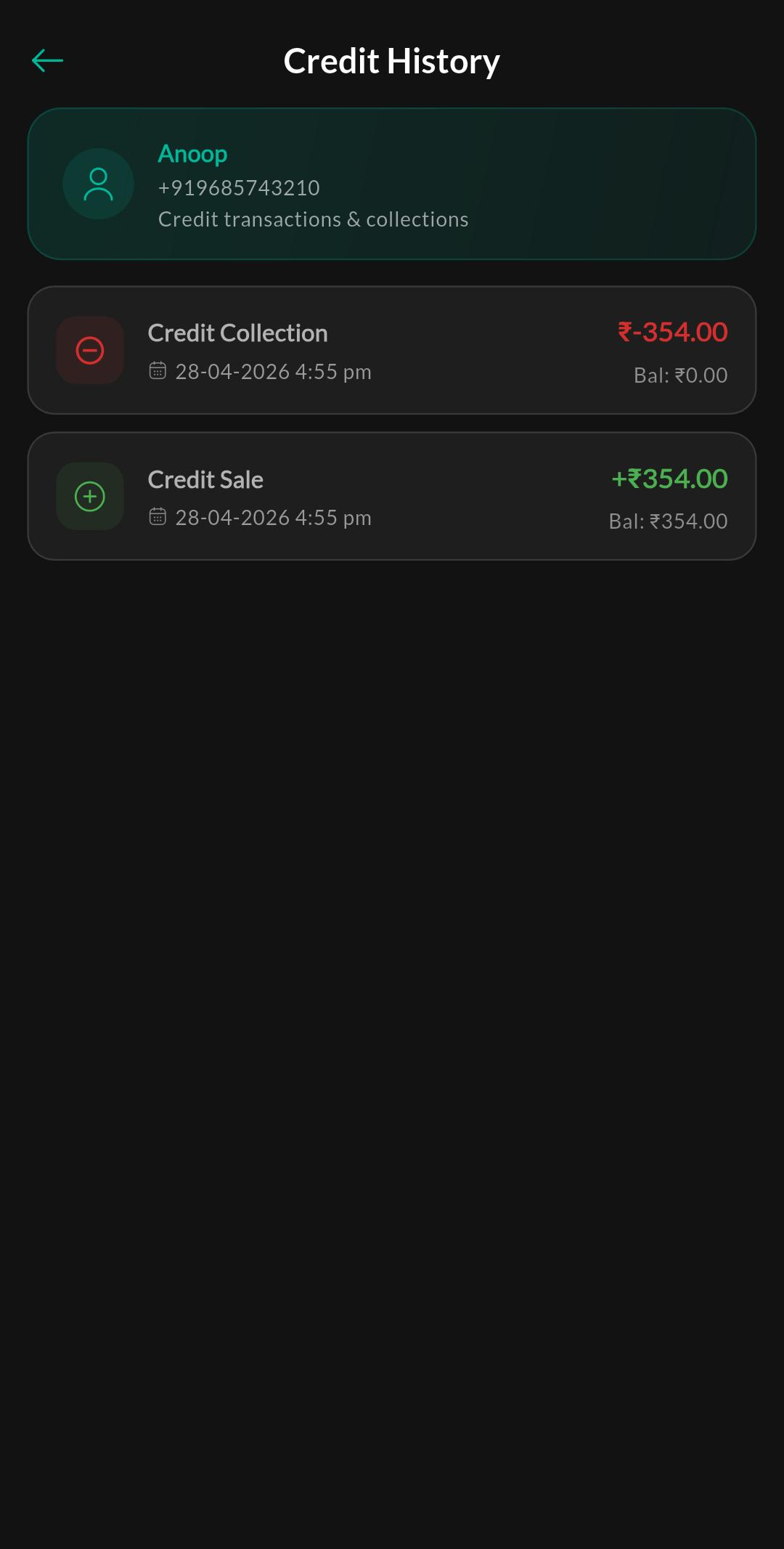
Purpose
View a detailed ledger of credit transactions, payments, and balance adjustments.
Notes
If you use credit selling, attach the correct customer during Billing to keep history clean.