ZATCA
This page covers Desko Invoice. For the POS app, use the separate Desko POS ZATCA onboarding guide. ZATCA support enables businesses in Saudi Arabia to comply with e-invoicing requirements established by the Zakat, Tax and Customs Authority (ZATCA). It provides tools for generating, validating, and managing invoices that meet regulatory standards.
Where to configure
Open Subscription > Add-ons > ZATCA add-on.
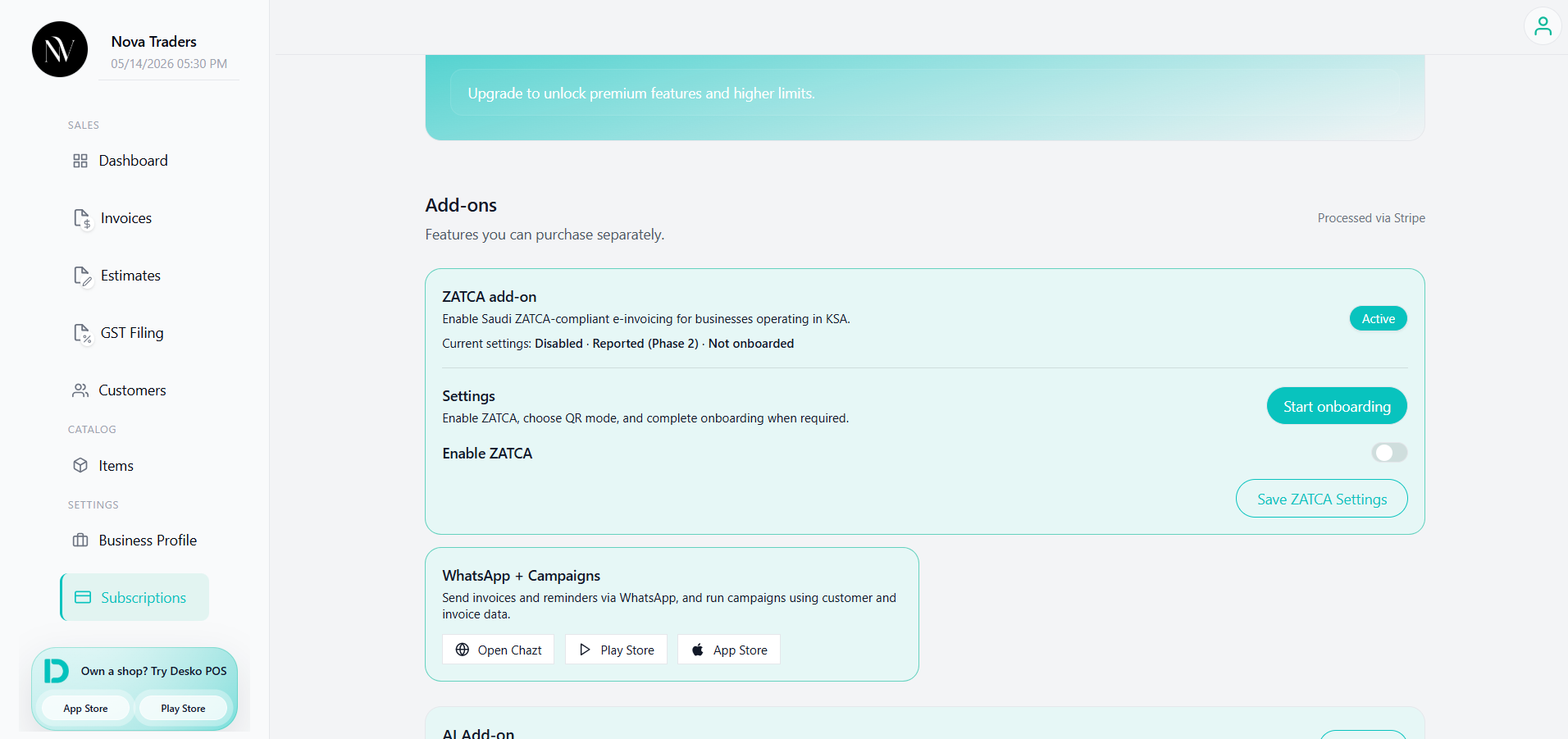
You can:
- Enable ZATCA
- Select QR/compliance mode
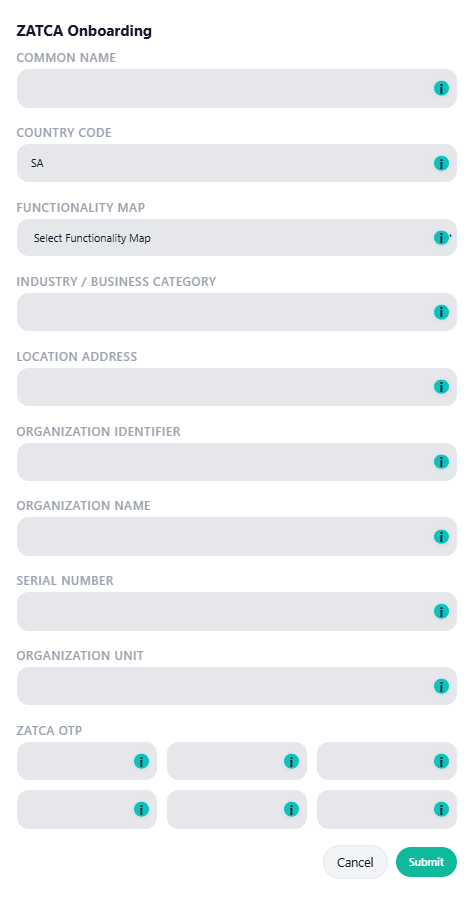
- Start onboarding
- View onboarding status/details
- Save ZATCA settings
ZATCA modes
| Mode | Status behavior | Description |
|---|---|---|
| Basic QR (Offline) | OFFLINE | Generates basic QR data without digital signing/submission. |
| Signed (Not Submitted) | SIGNED_NOT_SUBMITTED | Digitally signs invoice QR but does not submit/report. |
| Reported (Phase 2) | REPORTED/CLEARED or pending/failure | Signs and submits to provider/ZATCA flow. |
Invoice types
The ZATCA processing supports:
- SIMPLIFIED
- STANDARD
If invoice type is not specified, it defaults to simplified behavior.
What happens when saving an invoice
When ZATCA is enabled and configured:
- The invoice is processed before saving.
- Seller name, VAT number, invoice timestamp, total amount, and VAT amount are collected.
- QR data is generated.
- If signing material exists, the invoice is signed.
- If reported mode is enabled, the invoice is submitted/reported/cleared through the provider flow.
- ZATCA metadata is stored inside invoice details.
zatca_statusis stored on the invoice record when available.
Possible ZATCA statuses
Common statuses include:
- OFFLINE
- SIGNING_REQUIRED
- SIGNED_NOT_SUBMITTED
- REPORT_PENDING
- REPORTED
- CLEARED
- FAILED/REJECTED depending on provider response
Public link restriction
For standard invoices:
Invoice type STANDARD must have ZATCA status CLEARED before public sharing.This prevents sharing a standard invoice before clearance.
ZATCA template
Template 4 is used for ZATCA-style invoices and QR display.
Required configuration
ZATCA production use may require:
- ZATCA add-on active
- Business VAT number
- ZATCA onboarding completed
- Private key/signing material
- Certificate reference
- Provider endpoint/API credentials
- Correct invoice type
Best practices
- Test in sandbox before production.
- Confirm VAT number and seller name are correct.
- Use ZATCA template for Saudi invoices.
- Check ZATCA status from invoice list/preview before sharing.
- Do not edit cleared invoices without a proper correction/credit-note workflow.