Products
Products is used to manage your sellable catalog. The exact fields depend on your configuration (tax mode, restaurant add-on, etc.).
Video Tutorial
Product Creation Tutorial
Screen: Products List
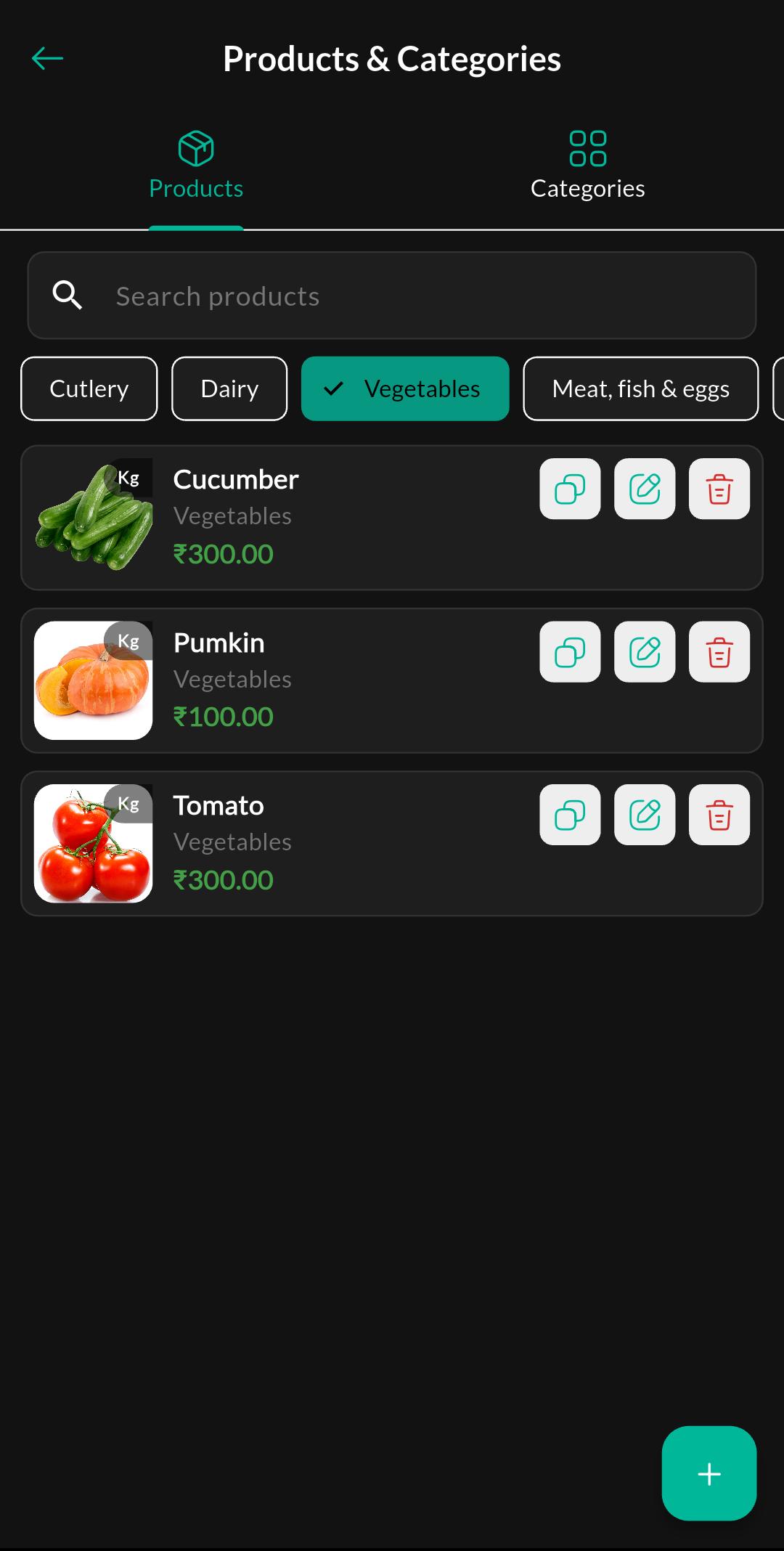
Purpose
Browse/search products and open a product for editing.
Tab: Categories
Products typically includes a Categories tab for managing product categories (e.g., Vegetables, Fruits).
Screen: Categories List
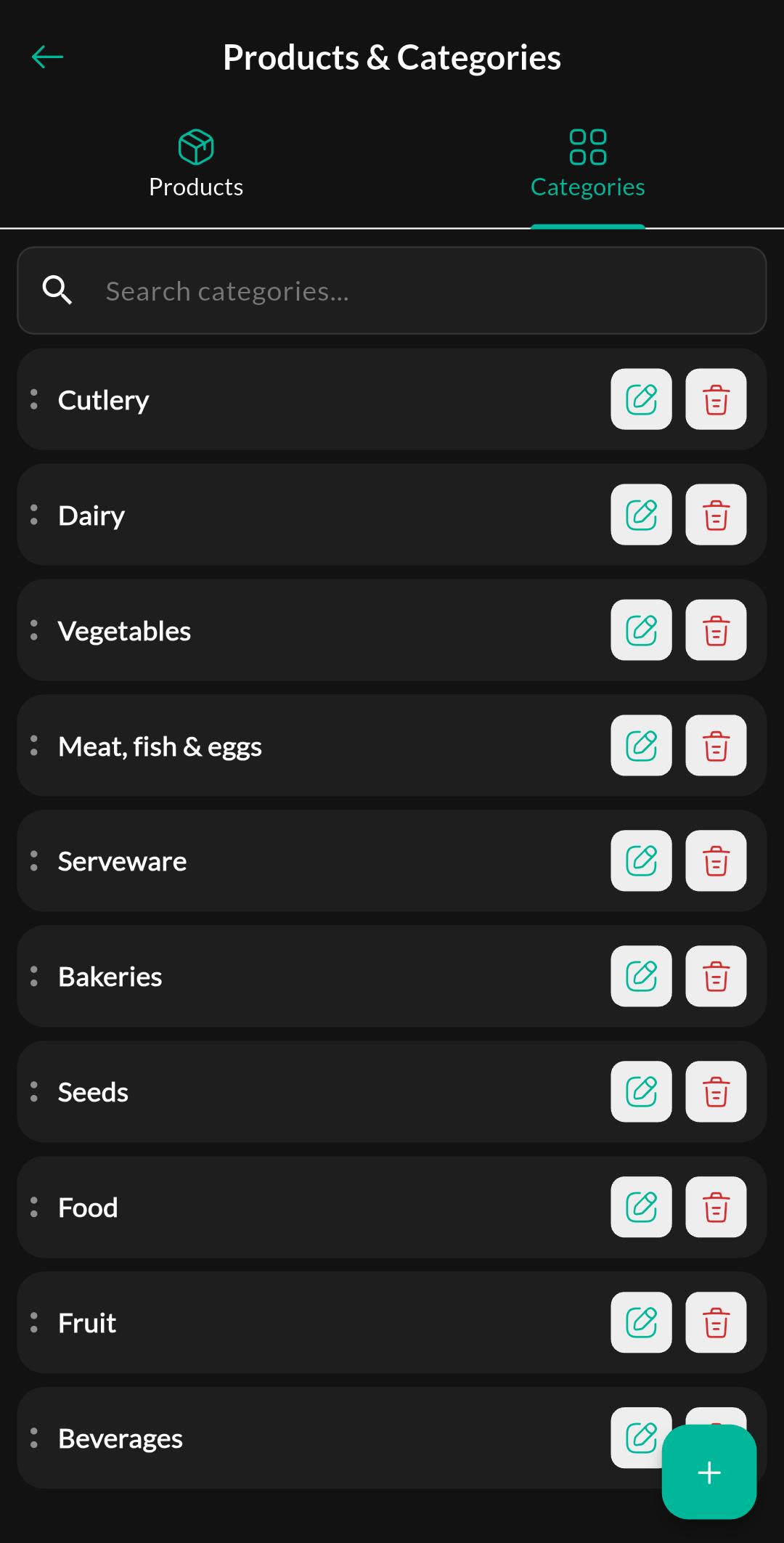
Purpose
View/search categories and open a category for editing.
Screen: Create / Edit Category
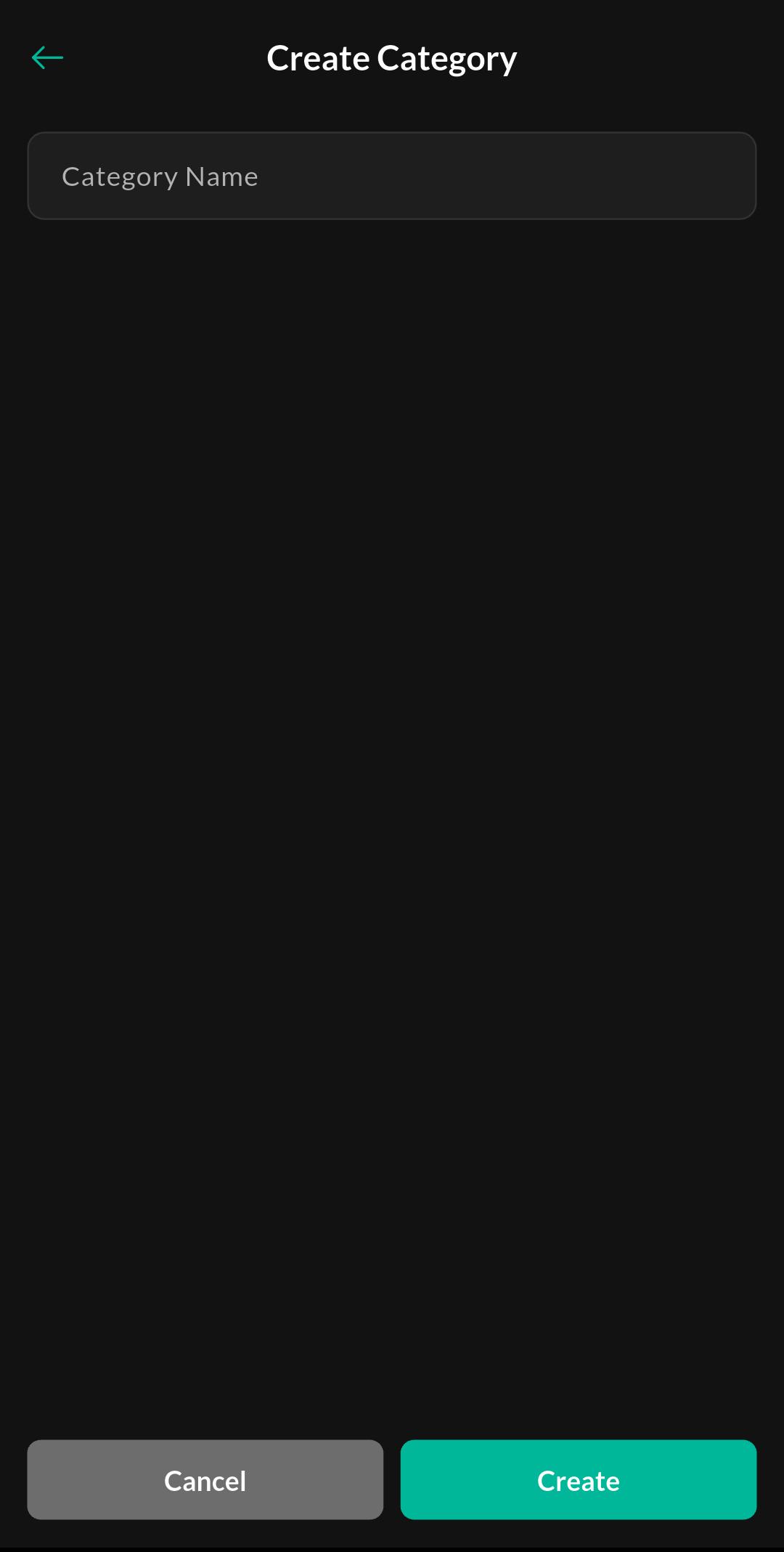
Purpose
Create a new category or update an existing category name/details.
Screen: Create / Edit Product
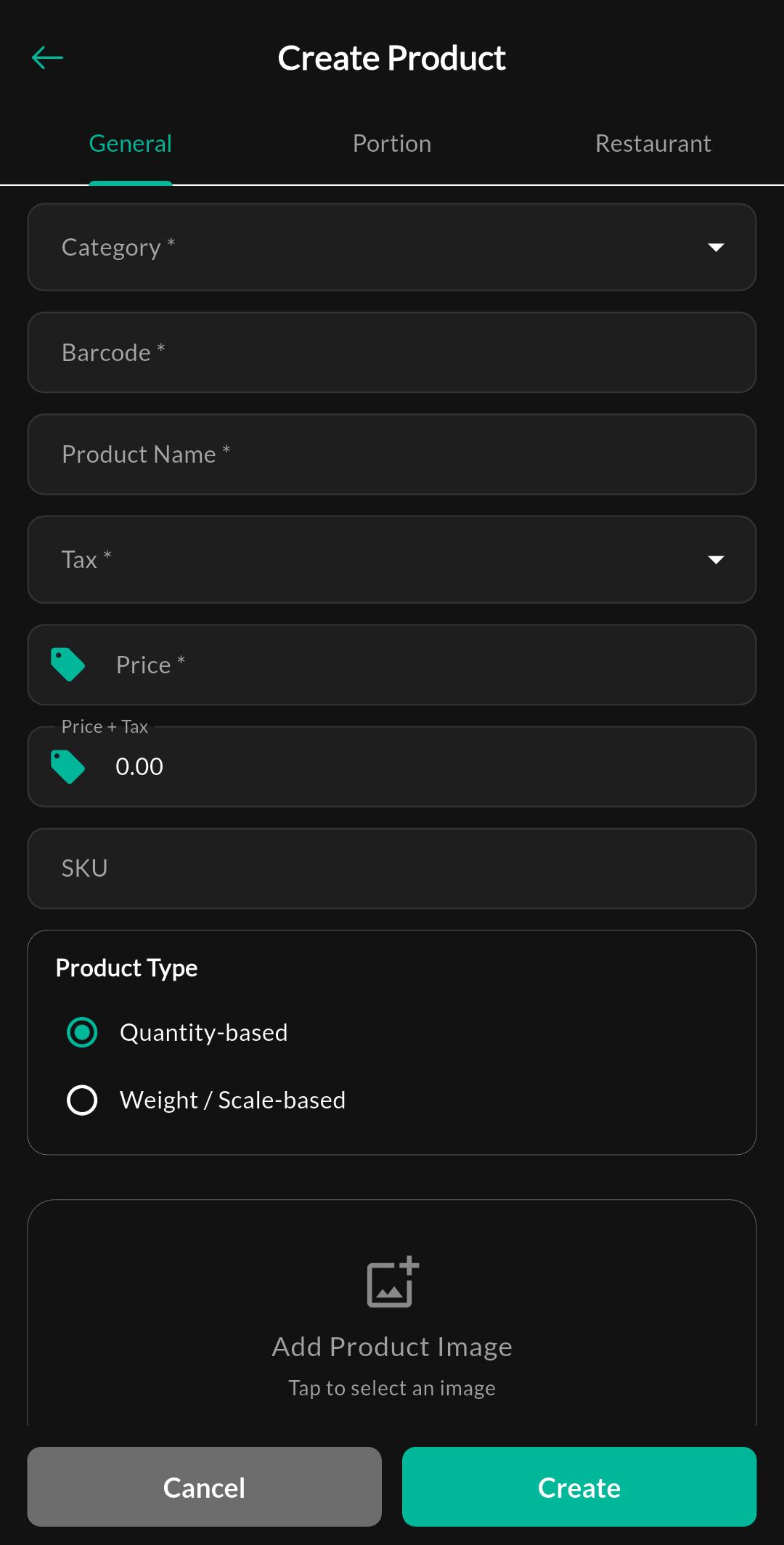
Purpose
Add a new product or update an existing product.
Product tabs
Product create/edit typically includes multiple tabs.
Tab: General
Purpose
Configure primary product details like name, category, standard pricing, and taxes.
Tab: Portions
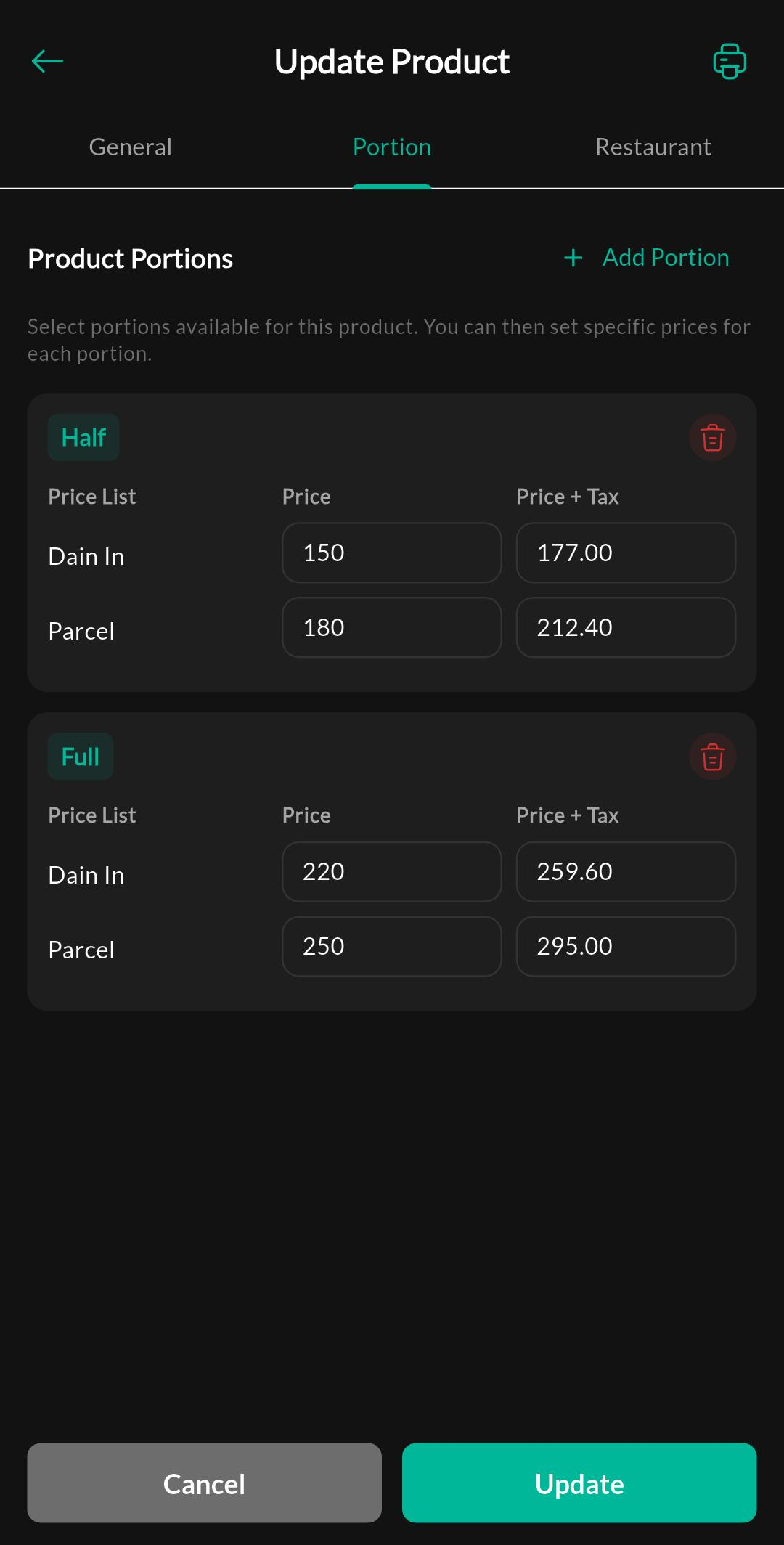
Purpose
Define different sizes or variants for the product (e.g., Half, Full) and their respective prices across your price lists.
Tab: Restaurant
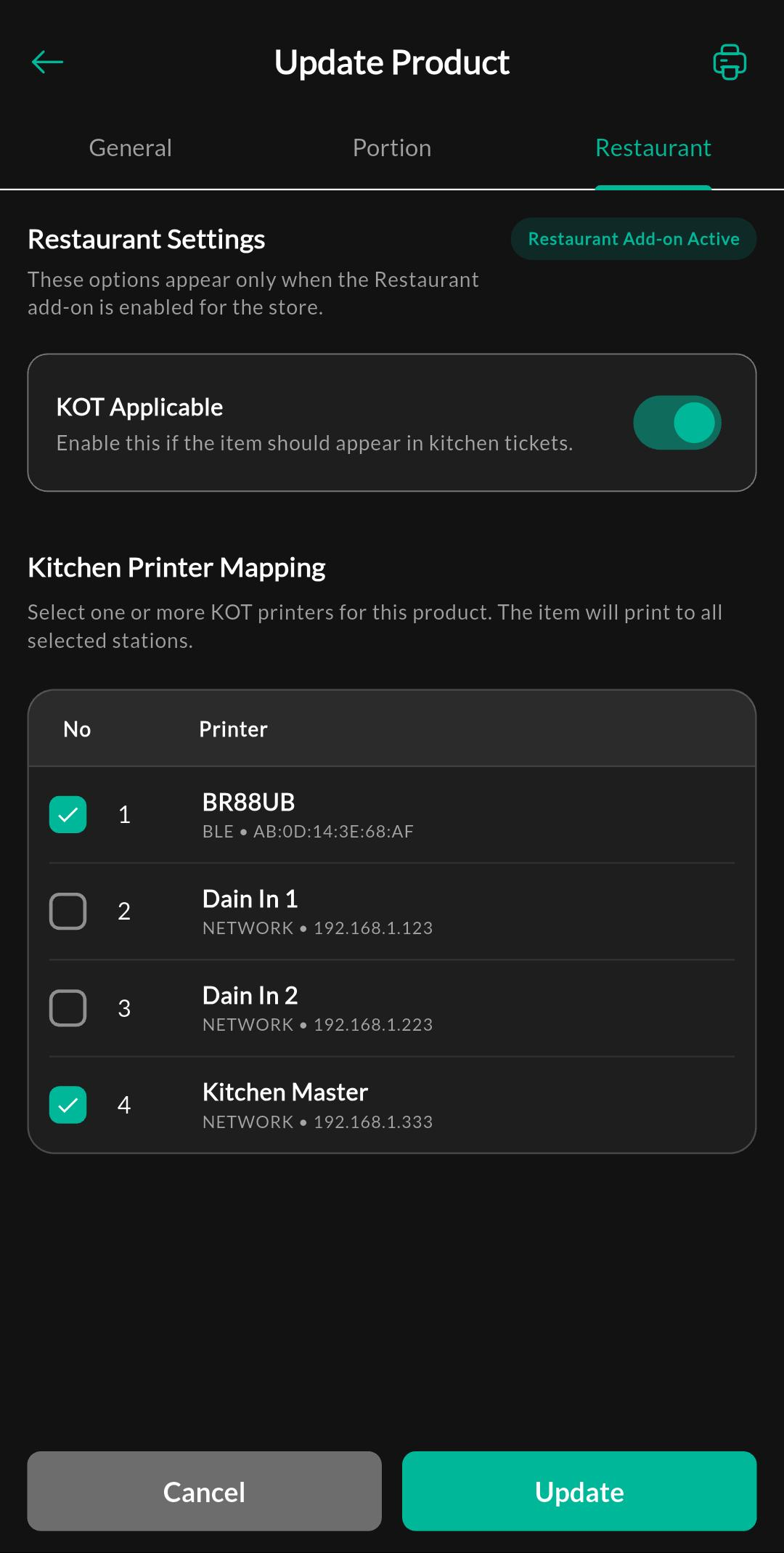
Purpose
Manage restaurant-specific settings such as enabling KOT (Kitchen Order Ticket) and mapping the product to specific kitchen printers.
Screen: Bulk Upload
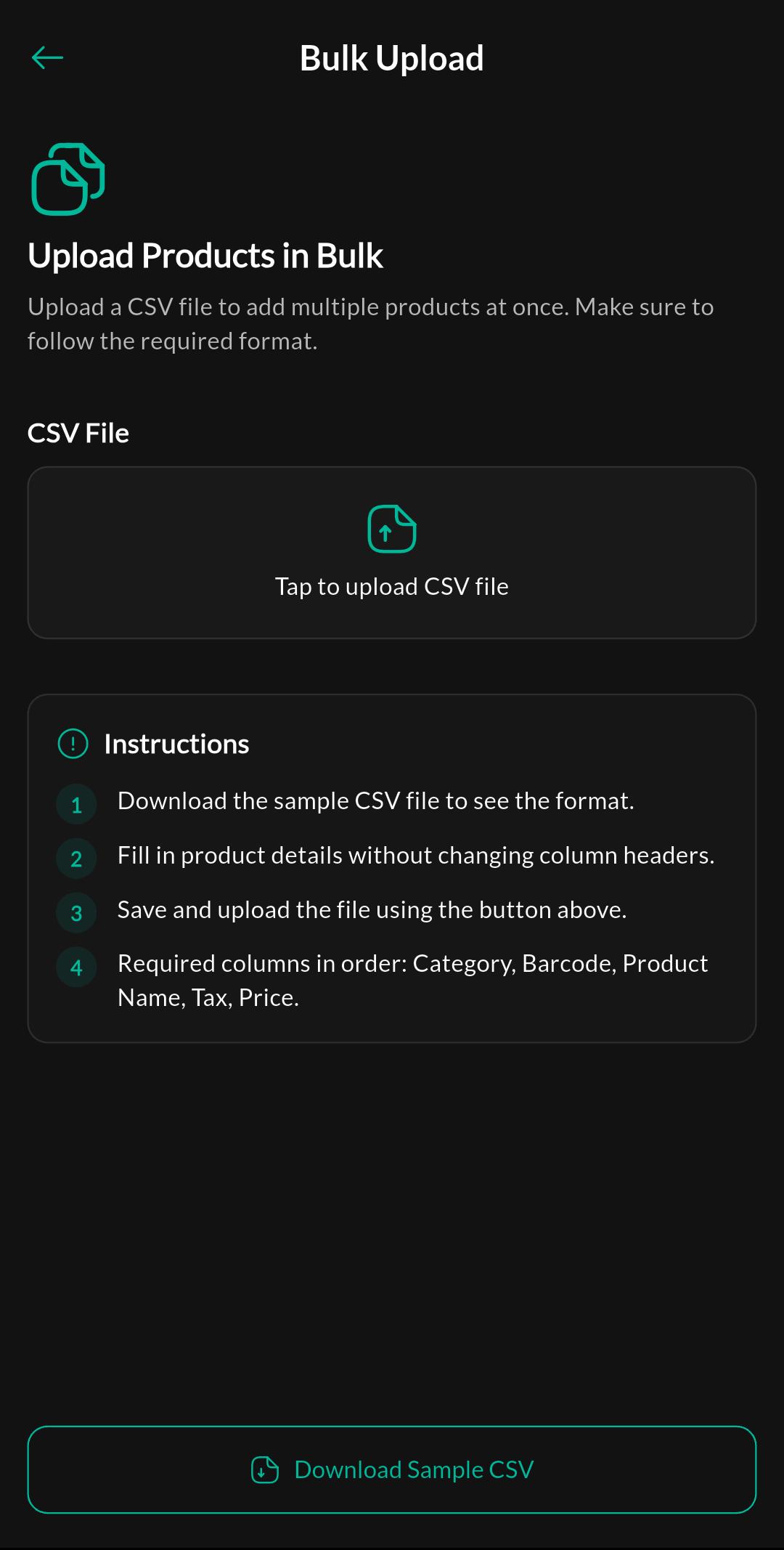
Purpose
Upload products in bulk (template/import flow may vary by build).
Notes
After creating products, verify taxes and payment methods so billing totals match expected values.