Label Printer
Label Printer is used to connect and configure label printers for product labels, barcodes, and stickers.
What the feature does
- Connects label printers used for item labeling
- Supports barcode or product sticker printing where enabled
- Keeps label printing separate from receipt printing
Screen: Label Printer
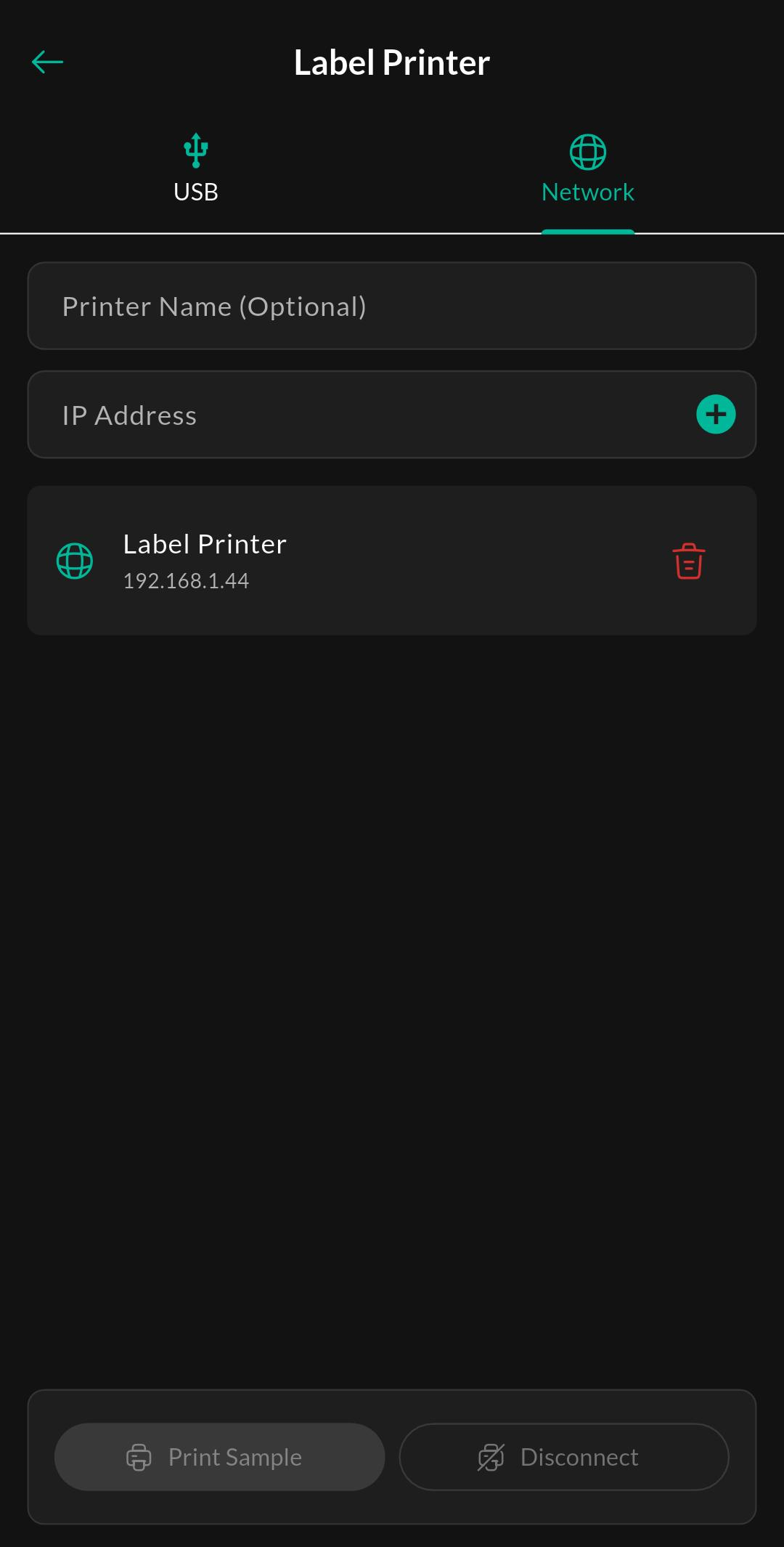
Purpose
View connected label printers and configure label output settings for printing item labels, barcodes, or stickers directly from the POS.
How to use
- Open Menu > Devices > Label Printer.
- Pair the label printer.
- Select the label format or printing profile if your build exposes it.
- Print a sample label before using it in production.
Related settings
Troubleshooting
Labels are misaligned
Verify the label size, printer calibration, and print template. Wrong label dimensions usually cause offset or cropped output.