Portions
Portions allows defining portion options for products when portion-based selling is enabled.
What the feature does
- Creates product size or portion variants
- Helps restaurants sell the same item in multiple serving sizes
- Can affect pricing and print output
Screen: Portions
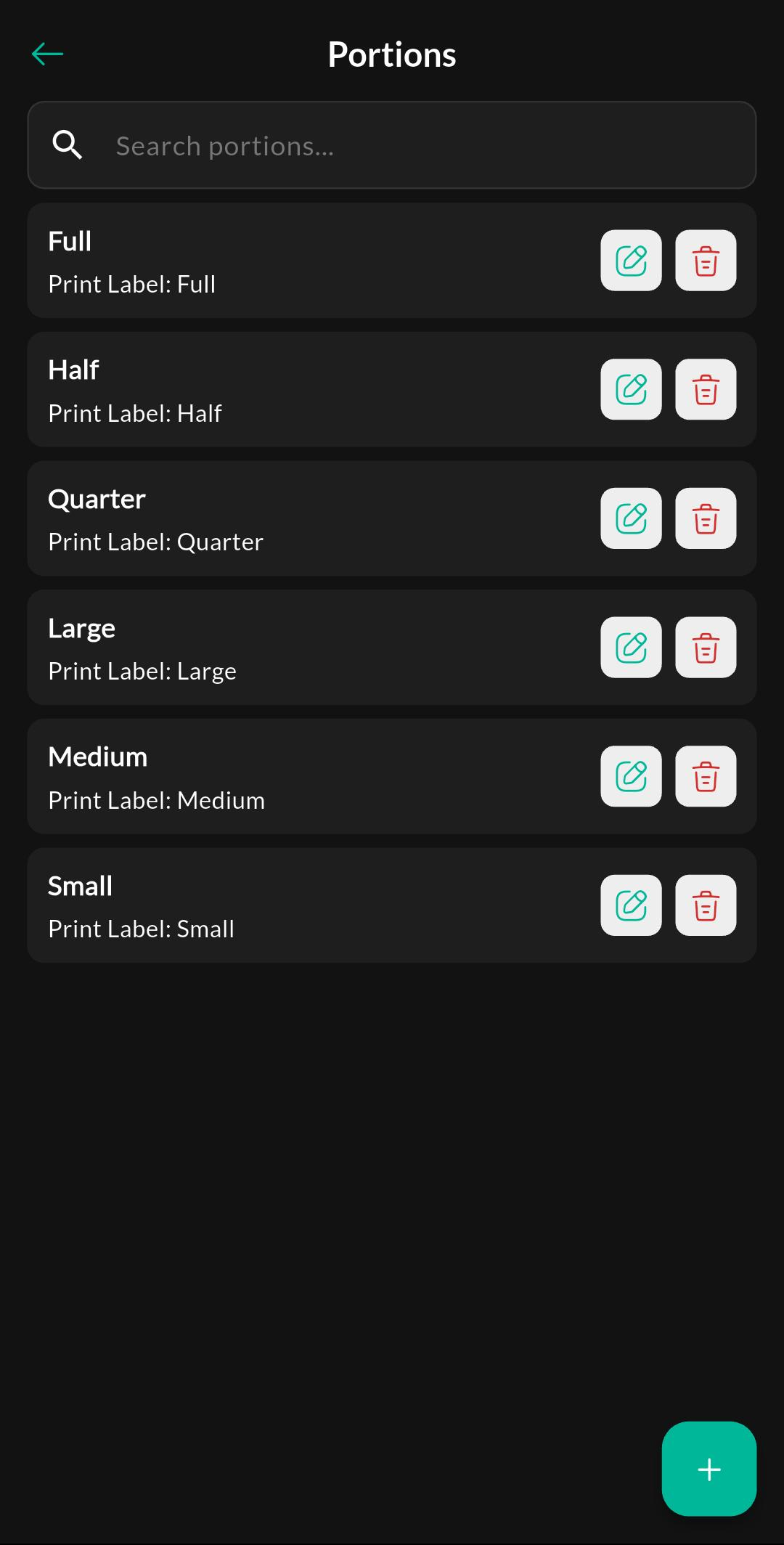
Purpose
View and manage all portion options. You can search the list and quickly edit or delete portions used for portion-based selling.
Screen: Create / Edit Portion
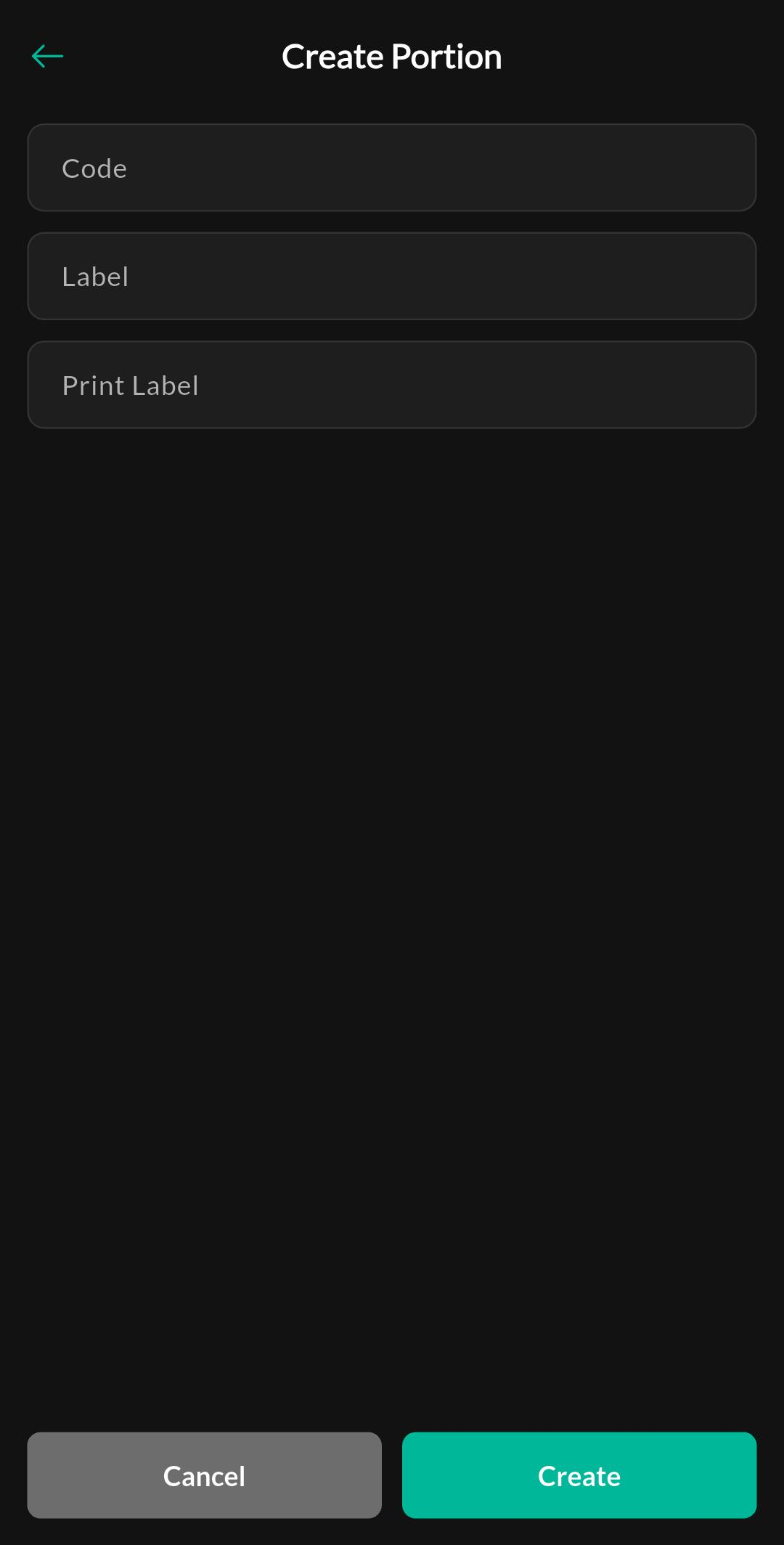
Purpose
Create a new portion or update an existing one. Define the portion code and labels so the correct portion appears during billing and on printouts.
Related settings
Troubleshooting
Portion not shown in billing
Make sure the product is linked to the portion and the restaurant/portion feature is enabled for the store.