Income
Income is used to record non-sales income entries that should be tracked separately from normal POS sales.
What the feature does
- Records extra business income
- Keeps income entries separate from customer payments and invoices
- Helps reconcile cash movement against accounting reports
Screen: Income Payments
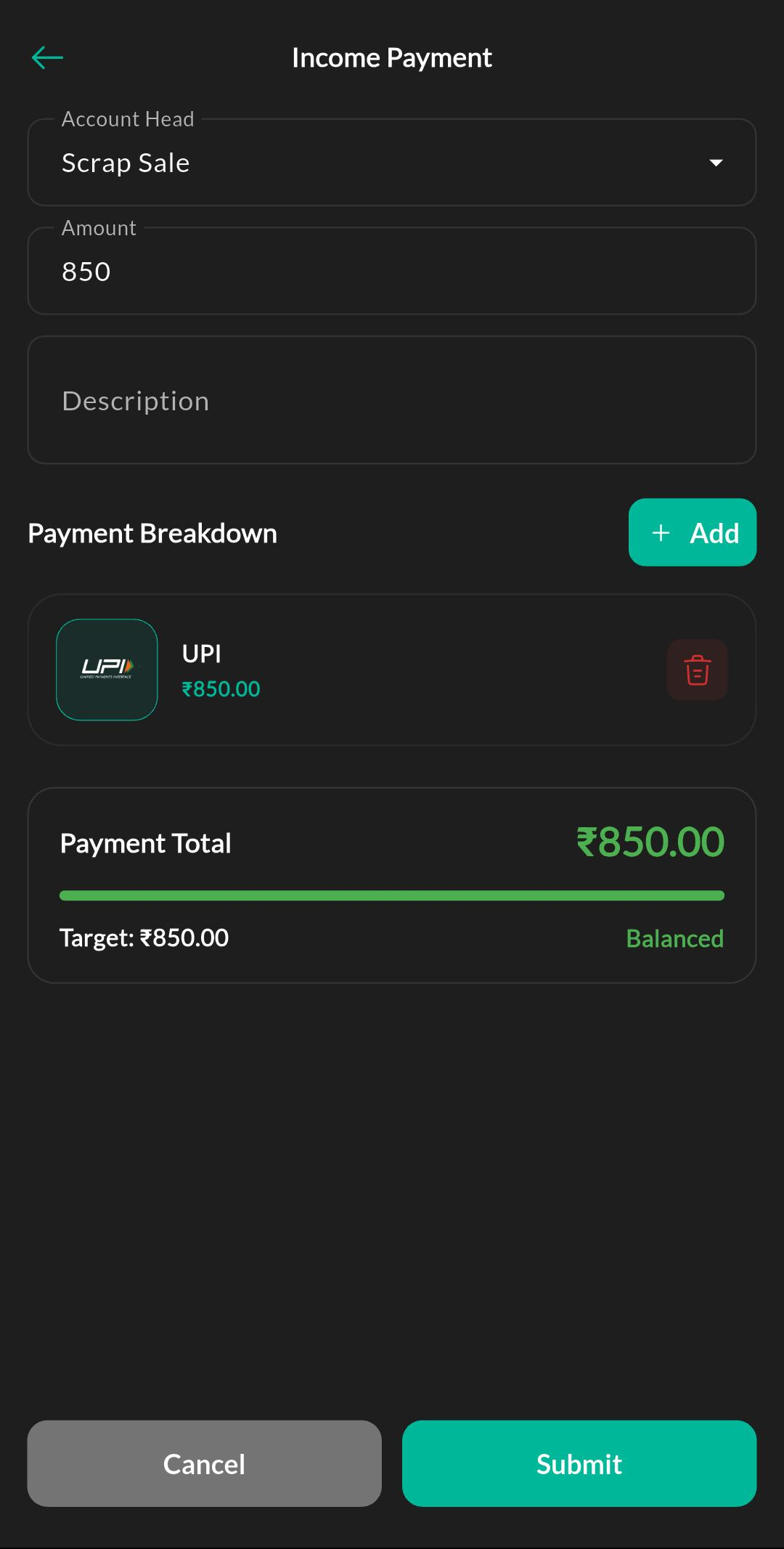
Purpose
Record non-sales income entries and map them to the correct account head for accounting tracking.
How to use
- Open Menu > Accounting > Income.
- Select the account head.
- Enter the income amount and reference.
- Save the entry.
Related settings
Troubleshooting
Income not visible
Check that Accounting is enabled and that your role allows the income screen.