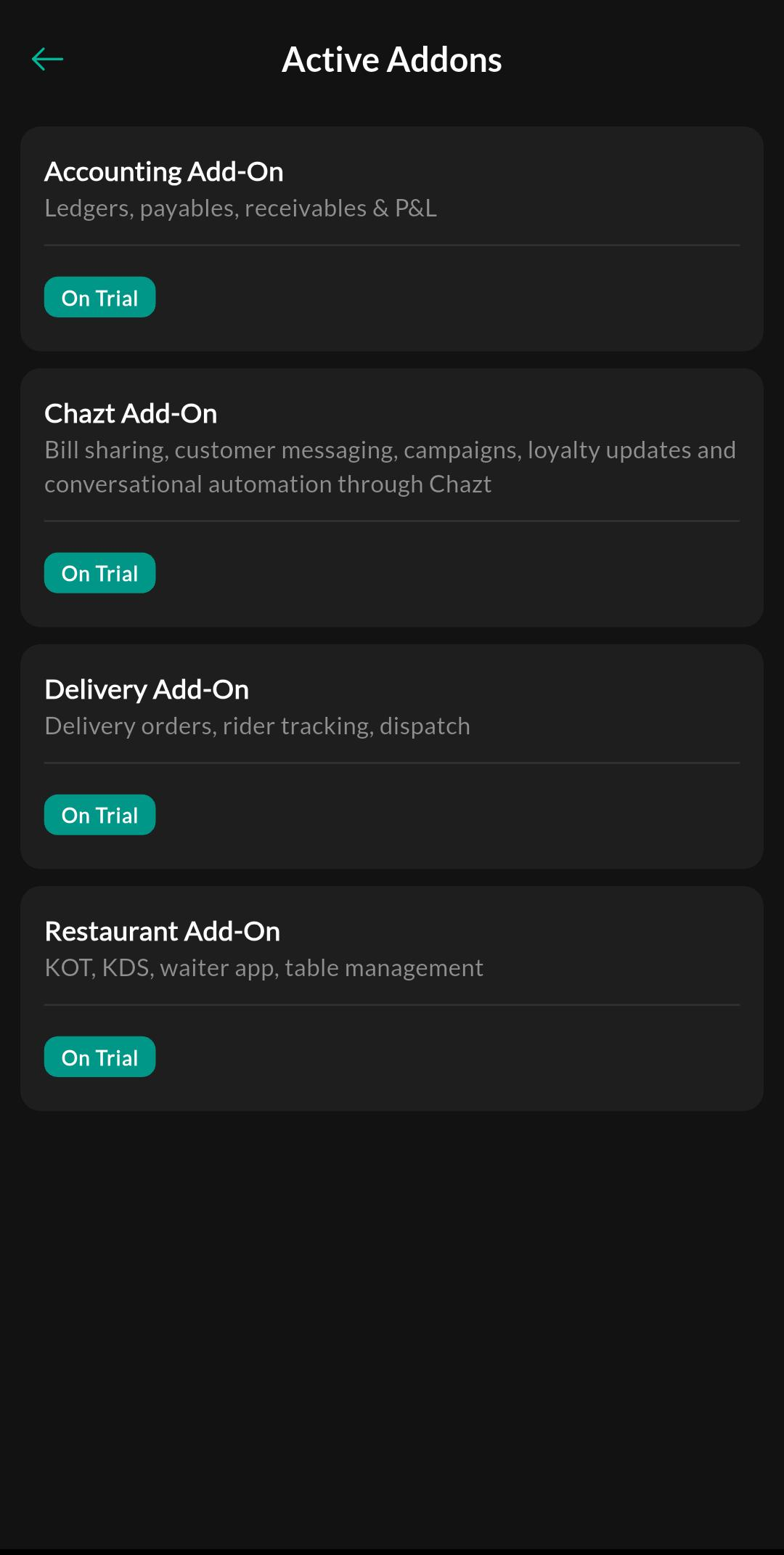
Active Addons
Active Addons shows enabled add-ons and available add-on options based on your subscription.
What the feature does
- Lists the add-ons currently active for the store
- Explains why some menu sections appear or are hidden
- Lets the team confirm which advanced workflows are available
Screen: Active Addons
Purpose
Check which add-ons are active for the store and see the extra features available under the current subscription.
How to use
- Open Menu > Billing & Subscription > Active Addons.
- Review the list of active modules.
- Confirm that the feature you need is enabled before training or setup.
Related settings
Troubleshooting
Feature is missing
If a menu item is not visible, first confirm whether the related add-on is active and then check role permissions.